Follow Up Boss has one structured signal on a deal stage. The rest is the words you typed.
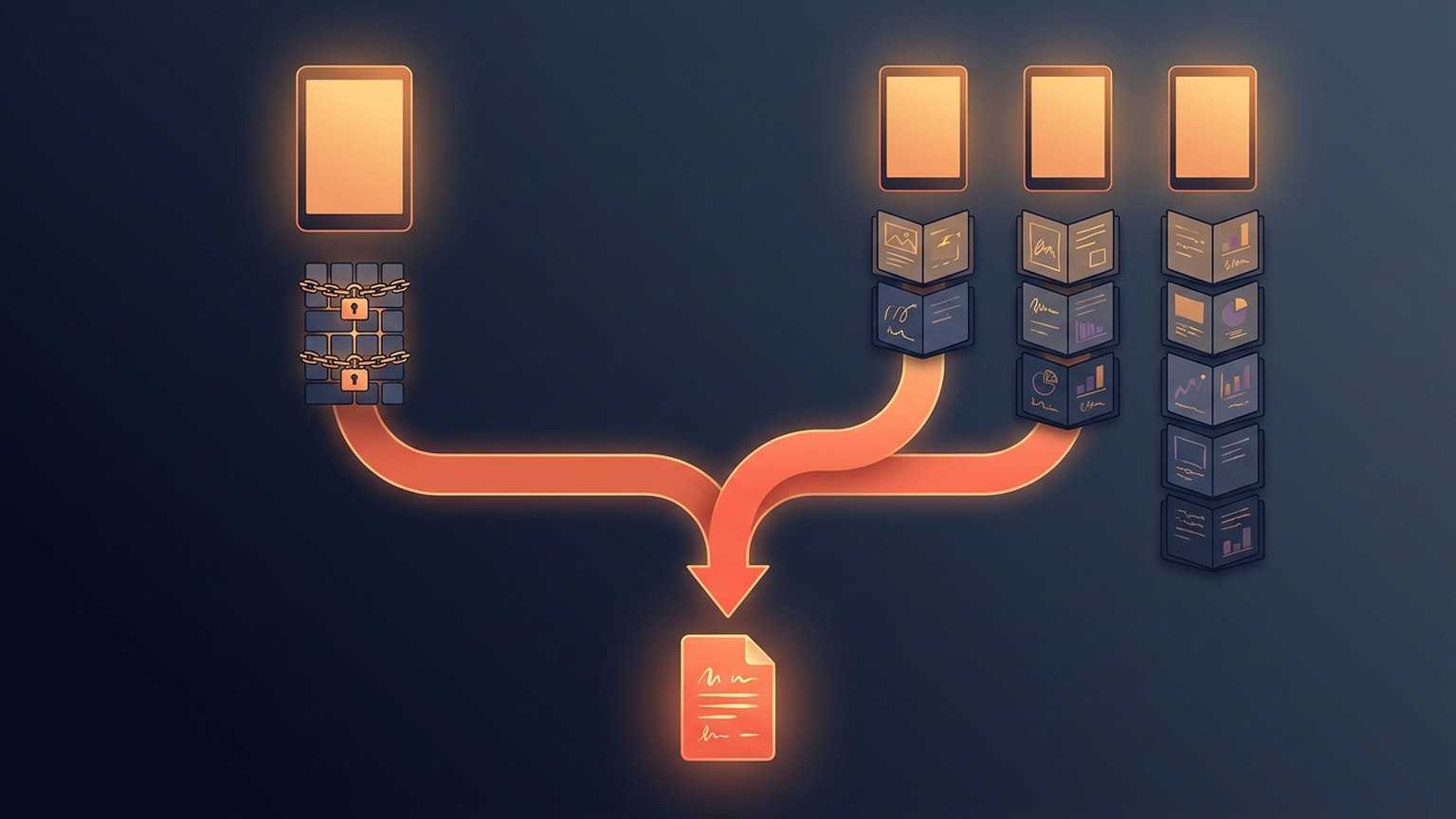
Follow Up Boss keeps one structured outcome flag on a deal stage: a checkbox marking it closed for reporting, which means won. There is no dedicated lost flag and none for pending, and lead stages carry none at all. Tick the box, then name every other stage so its outcome is in the words.

One deal in a live account sat 1,335 days deep in an at-risk ranking. The commission on it had already been paid.
Nothing was wrong with the deal. The team had named that pipeline stage Paid, and the part of our software reading it recognised closed, won and sold as words meaning finished, and nothing else. So Paid parsed as an open deal gone silent for three and a half years, and got ranked like one. We added the missing word on 28 August 2026.
The fix was one line. What sits underneath it is worth twenty minutes. Follow Up Boss carries exactly one structured signal about how a deal ended: a checkbox on a stage marking it won. There is no dedicated lost flag and no pending flag, and lead stages carry no outcome flag at all. Everything past that one checkbox is read out of the words you typed into a stage-name box, by us and by everything else you connect.
Tick the box first, because Follow Up Boss's own reports need it
Open your pipeline settings and edit a stage. There is a checkbox labelled Mark deals in this stage as closed for reporting. Follow Up Boss is unambiguous about it: the closed stage is what deal reporting runs on, and they strongly suggest ticking it for at least one of the stages where you keep closed deals so they can report accurately.
Three things follow, and they are the whole reason this post exists.
- It flags won, and only won. Nothing in Follow Up Boss marks a stage as lost, and nothing marks one as still in flight. Those are conventions, not fields.
- It is per stage, per pipeline. Worth checking on every pipeline, and especially on whichever one was added most recently.
- It tends to be left unticked on whatever comes after closing. If your pipeline ends Closed Won → Paid, the box sits on Closed Won and the stage where the deal actually finishes is flagged as nothing. That is one way a paid deal reads as an open one.
Take the checkbox if you take nothing else. The rest of this is the far larger territory it does not cover.
Follow Up Boss has two different things called a stage
Lead stages attach to people, and there is one list of them for the whole account, configured under Admin. Follow Up Boss's API returns each with a people count and a flag marking whether it is protected; the example list in its documentation is Contact, Buyer, Lead, Nurture, Closed, Past Client, Sphere and Trash. Its help centre is explicit that Lead, Closed and Trash are used by the system and cannot be renamed or deleted.
Deal stages attach to money. They live inside a pipeline, each pipeline carries its own list, and a deal points at one pipeline and one stage in it. From the deals page you can add stages, rename them, drag them into a new order and delete them, in any pipeline, whenever you like.
So Follow Up Boss guarantees the vocabulary on the list that describes people and hands you a pencil for the list that describes revenue. Both lists contain a stage called Closed, meaning different things: a lifecycle marker sitting beside Past Client on one, the end of a transaction on the other. Obvious to a person reading a screen. Not obvious at all to anything counting.
Past the checkbox, it is all words
If your pipeline ends in Closed Won and Closed Lost — a common local variation on the single Closed stage Follow Up Boss ships by default — you have the trap already. To a person the pair is perfectly clear, which is exactly why it survives every review.
Now think about anything counting revenue without sight of that checkbox: a spreadsheet export, a dashboard someone built, a connected tool. The cheapest rule available is to ask whether the stage name contains the word closed, and it works on every stage you had in mind while writing it. Closed Lost contains closed. So the deal you lost becomes a deal you won, at full commission value.
| Stage name | A "contains closed / won / sold" check says | What it actually is |
|---|---|---|
| Closed Won | Won | Won |
| Sold | Won | Won |
| Closed Lost | Won | Lost |
| Under Contract | Not won | Still open |
| Paid | Not won | Won |
| Fell Through | Not won | Lost |

The correction is order, not vocabulary: check for lost before you check for won, so a stage carrying both words resolves to lost. Our own revenue reporting did the naive thing first, and unpicking it took a deliberate pass. We then left the original check in place so nothing calling it would break — which put the wrong one an autocomplete away from being used again. A deprecation note does not prevent that. A rule in the document every contributor reads before touching that code does.
The signal nobody can give you: lost
Won has a checkbox. Lost has no flag of its own. The closest thing is archiving the deal: Follow Up Boss suggests archiving when you have lost one, and archived is a real status you can filter and export on.
But archiving is overloaded, so nothing can read it as "lost" on its own. Teams also archive to reset a pipeline for the new year, and Follow Up Boss counts archived-but-closed deals as wins on its own leaderboard. Anyone reading your deals has to handle that ambiguity deliberately. We do: an archived deal stays in our commission ledger only if it closed won, and drops out of the views that read a deal's status. Not all of them do — one stalled-deal signal still buckets purely by stage name, which is the gap this whole post is about, sitting on our side of it. Past that one status, every tool telling you your win rate is inferring "lost" from a stage name, using whatever list of words its authors happened to think of.
We will be specific about ours, because vagueness here would be the easy way out. Two parts of our product read your stage names today, and not the same way. The newer stage classifier takes withdrawn, cancelled, expired and fell through as lost, and settled and funded as won. The revenue reporting that produced the 1,335-day ranking reads a shorter list: lost, dead and archived as lost; closed, won, sold and paid as won. Anything outside those words it treats as a deal still in flight.
In our revenue reporting as it ships today: a stage named Terminated, Expired or Fell Through reads as an open deal and can sit in active pipeline value indefinitely unless someone archives it, and a won stage named Settled or Commission Received is not counted as revenue there at all. Better you know now than in a quarterly review.
We keep adding words as we find them. We are not going to present that as a solution: every list of synonyms is a guess about a vocabulary we do not control, and a team can always invent one more. For anything the checkbox does not flag, the dependable fix sits on your side of the line.
The stage audit
Do this once, with whoever owns reporting in the room. It is a configuration job, not a project.
- Tick the closed-for-reporting box on your won stage, in every pipeline. It is the only structured outcome signal the CRM has, and the one step here that no naming convention can substitute for.
- Write down every stage in every pipeline. Include the pipelines nobody has opened since last year — deals are still sitting in them, and they still count.
- Sort each stage into exactly three buckets: won, lost, still open. Three, not four. Every stage you hesitate over is a finding — that hesitation is what a report has to guess at.
- Put the outcome in the first word. Closed Lost becomes Lost — Financing. If a stage's meaning depends on its second word, you are trusting every tool you connect to read the whole name in the right order.
- Hunt the polite words. Fell Through, Terminated, Withdrawn, Expired, Cancelled, Revisit Later. Each means lost; none says so.
- Hunt the money words. Settled, Funded, Signed, Commission Received. Put one unmistakable word in the name: closed, won, sold or paid.
- Decide what your genuine in-between stage is. Most teams have one, usually On Hold. Keep it, but decide once whether deals in it count toward pipeline value, write that down next to the stage, and check your reports agree.
- Rename, do not delete. Renaming fixes what happens next, not what is already recorded: our own stage-change history stores the exact name a deal moved into at the time it moved. After a rename, re-run whichever report you rely on rather than assuming it caught up.
- Give the list one owner. Not a team. One person who approves a new stage before it exists.
| If the stage means | Names that read unambiguously | Names that depend on the reader |
|---|---|---|
| Won | Closed Won, Sold, Paid | Settled, Funded, Signed, Completed |
| Lost | Lost, Dead, Lost — Financing | Closed Lost, Fell Through, Terminated, Withdrawn |
| Still open | Under Contract, Pending, Offer, Listed | On Hold, Parked, Revisit Later |
Why this belongs to the person running the team
It looks like an admin chore, and it is filed as one in most brokerages. The research points elsewhere. Studying organisational practice and CRM outcomes, Peltier, Zahay and Lehmann found that high-quality customer data affected both customer and business performance, and that the most important driver of that quality came from the executive suite (Journal of Interactive Marketing, 2013). Conventions decay because nobody senior owns them, and a stage gets added at 9pm before a listing appointment because that was faster than asking.
What a decayed stage list costs, concretely:
- Your win rate counts losses as wins, so it reads high and never moves.
- Gross commission totals absorb deals that produced nothing, or omit deals that produced everything.
- At-risk and stalled-deal lists fill with finished work, and the team stops trusting them. That is worse than not having them, as we found when two of our own reports disagreed about the same deal.
- Any forecast built on the above inherits all of it. The forecasting logic in Follow Up Boss reports is only as good as the outcome labels underneath it.
Rebuilding the reporting layer anyway? The companion pieces are the KPI checklist, the performance reporting guide, and pipeline management in Follow Up Boss for the stage structure itself. Worth the same sitting: separating the non-buyers out of your contact list, and hanging your contract-to-close deadlines off the right anchor date. New to how the CRM organises all this? Start with what Follow Up Boss is.
What Ace does with your stage names
Ace Trove separates won, lost and still-open deals before it computes anything, and the dollars-at-risk view, the deal-activity gaps and the act-now queue are all built on that ordering. It does that by reading the words in your pipeline: the checkbox decides what Follow Up Boss's own reports say, not what these views say. Clear names give right answers; the names in the right-hand column above give exactly the failures described here. Those views are built for team leads and admins, not for an individual agent's day.
The audit is worth running whether or not you ever connect anything to your CRM. We would rather publish the limit than have you find it.
Questions teams ask about Follow Up Boss deal stages
What does "mark deals in this stage as closed for reporting" do?
It is the one structured outcome flag Follow Up Boss keeps on a deal stage, and it marks that stage as won. Deal reporting runs on it, and Follow Up Boss strongly suggests ticking it on at least one stage in every pipeline where you keep closed deals. There is no equivalent flag for lost or for still-open deals.
Can I rename a Follow Up Boss deal stage?
Yes. Deal stages live inside a pipeline and can be added, renamed, reordered and deleted from the deals page. Lead stages are different: Follow Up Boss reserves Lead, Closed and Trash for system use, and those three cannot be renamed or deleted.
Why would a "Closed Lost" deal show up as a win?
Because the stage name contains the word "closed". Anything deciding revenue by checking whether a stage name contains closed, won or sold will classify Closed Lost as a won deal. The fix is to check for lost first, so a name carrying both words resolves to lost.
What is the difference between a lead stage and a deal stage?
A lead stage describes a person and comes from one account-wide list. A deal stage describes a transaction and belongs to a specific pipeline, so different pipelines can have completely different stages. Both lists contain a stage called Closed, meaning different things.
Should I delete deal stages I no longer use?
Rename before you delete, because deals sitting in a retired stage still count toward your totals. A rename fixes what name-reading tools see. Inside Follow Up Boss itself, what fixes the reporting is ticking the closed-for-reporting box on your won stage, since that is what its deal reports key off rather than the name.
Try Follow Up Ace in your Follow Up Boss
Free to start, no sales call. Connect Follow Up Boss in one click and Ace works inside your CRM.
Get Started Free