Unused Paid Seats on Your Team: Idle or Never Set Up?
A paid seat nobody uses is one of two problems. Either the agent never finished setup, usually one missing login step, or they set it up and stopped. The first needs a short reminder naming that step. The second needs a conversation. Check which one you have before you cancel, nudge or re-train anyone.

Two agents on your roster haven’t opened a tool you pay for this month. One of them never got past the login screen. The other got in back in September, poked around for a week, and drifted back to the way they already worked.
On the invoice they cost exactly the same. They are not the same problem, and the fix for one is wasted on the other. Send the second agent another “get started” email and you have told them you didn’t notice they already started. Sit the first one down for a workflow conversation and you will spend twenty minutes on what a thirty-second login would have solved.
This is a check you can run on any software you buy by the seat: the CRM add-ons, the dialer, the transaction tool, the AI assistant. The steps are the same. At the end we show where it sits in Follow Up Ace, because we built a version of it into the admin Users page this week.
Why the bill can’t tell you which problem you have
Per-seat billing counts licenses, not people using them. Many admin screens make it worse by collapsing everything into one column, usually “Last active”, where a blank cell means “never logged in” for one agent and “logged in once, months ago” for the next.
The gap between seats bought and seats used is ordinary. Zylo’s 2024 SaaS Management Index, built from 30 million software licenses its customers manage, found that companies use just under half (49%) of the licenses they provision. Read that number for what it is: a cross-industry figure from companies whose software spend Zylo manages, not a survey of real estate teams, and it tells you nothing about your own roster. Its use here is narrower. An idle seat is not a sign your team is broken. It is the default state of bought software, and it stays that way until someone checks.
Problem one: the seat was never set up
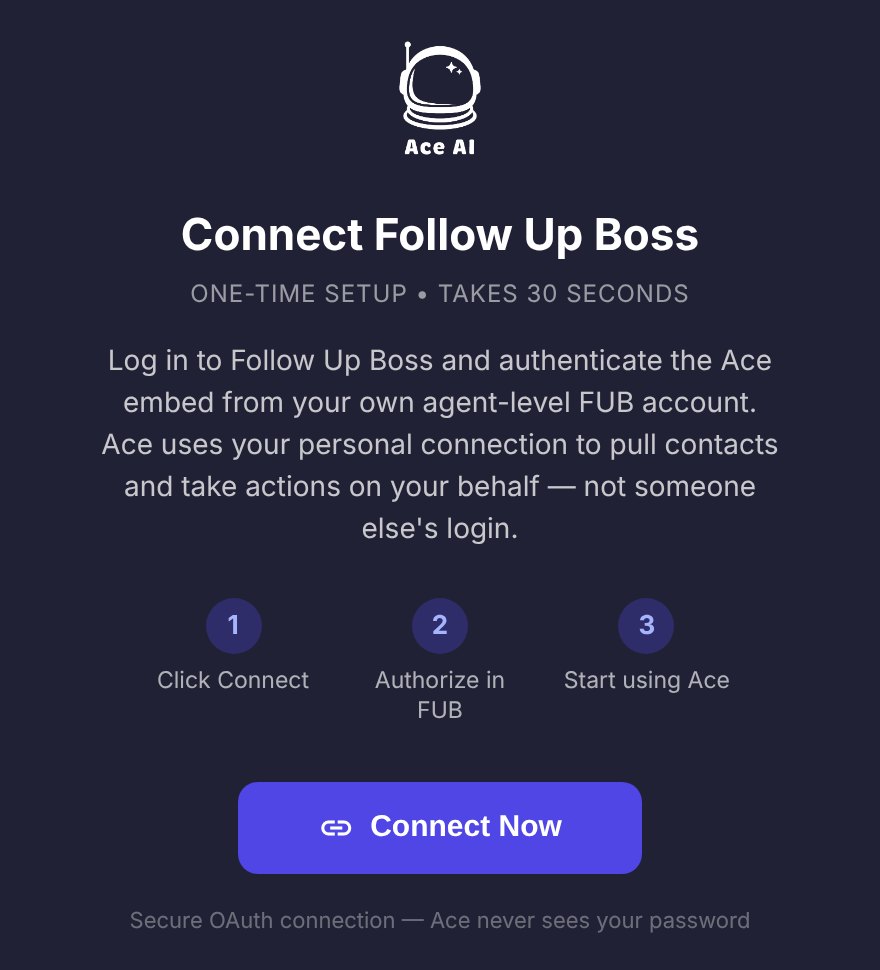
The agent was invited, maybe even opened the welcome email, and stopped at the first screen that asked them to do something. For tools that work on top of Follow Up Boss, that screen is almost always a login or an authorization step. Until the agent completes it, the tool has nothing of theirs to work with, so it has never had a chance to be useful to them.
Signs you are looking at this one:
- No activity at all since the seat was assigned, not even a first session.
- The tool shows a “connect” or “authorize” status that was never completed.
- The agent says something like “oh, I meant to do that” when you ask.
The fix is small and specific: one reminder that names the one step, links to it, and says how long it takes. Not a feature tour. Agents who never started don’t need to hear what the tool can do; they need to know what to click.
Why the step exists matters too, because agents skip steps they think are paperwork. When an AI tool reads Follow Up Boss through each agent’s own login, it sees exactly the contacts Follow Up Boss lets that agent see. That is a permissions decision, not a formality, and whose login your AI tool runs on is worth explaining in one sentence when you send the nudge.
If the agent says they tried and it didn’t load, that is a third, smaller problem, and it has its own checklist: what to check when an embedded app won’t open in Follow Up Boss.
Problem two: the seat was set up and went quiet
This agent cleared every setup step. There is a first session, maybe a good week of use, and then nothing for a month or three. Another reminder email will not help, because nothing about their situation is a missing step. Something about the tool didn’t fit the way they work, or the way they work changed.
That is a conversation, and it goes better if it is short and curious rather than an audit. Five minutes, in person or on the phone:
“I noticed you haven’t been in [tool] lately. No problem either way, I’m deciding which seats to keep. When you did use it, what was it good for? What made you stop? If it disappeared tomorrow, would you notice?”
The answers sort into three piles. “I forgot it was there” means a habit problem, and the fix is attaching the tool to something they already do daily. “It didn’t do what I needed” is a real answer, and the seat is a candidate to cancel. “I’m not doing much business right now” is not about the software at all. That last one belongs in a different conversation, the kind covered in our guide to stay interviews and agent retention signals.
If several agents give you the first answer, the problem is the rollout, not the people. How to get your team to actually use Follow Up Boss covers the habits that make a tool stick, and they apply to anything you put on top of it.
The two problems side by side
| Never set up | Set up, then idle | |
|---|---|---|
| What you see | No first session; a connect or login step never completed | Real use at some point, then nothing for weeks |
| Likely cause | One missing step, often a login | Fit, habit, or the agent’s business slowed |
| What fixes it | A short reminder naming that step | A five-minute conversation |
| What backfires | A feature tour or a training session | More “get started” emails |
| When to cancel | After the reminders and a direct ask go unanswered | When the agent tells you it didn’t do what they needed |
What a fair reminder looks like
The never-set-up pile is where reminders belong, and it is also where they get abused. An admin who clicks “remind” every time they open the billing page turns a helpful nudge into the email an agent filters to trash. Three rules keep it useful:
- One step per message. Name the single action, where to do it and how long it takes. Nothing else.
- No more than one a week. A reminder needs time to be acted on before the next one is fair.
- Three at most, then talk. If three reminders didn’t do it, a fourth won’t. Walk over, call, or ask about it in your one-on-one.
A reminder an admin can adapt for any tool:
“Hi Dana, your [tool] seat is paid for and ready. There’s one step before it can help you: [the step, in one sentence]. It takes under a minute. If something gets in the way, reply and tell me what you see.”
Also give a new seat a week before you call it unused. The welcome email is still doing its job, and an agent who got the invite on Thursday has not had a fair chance by Monday.
A ten-minute seat check, once a month
Put it on the calendar beside the other monthly numbers you already keep. If you are building next year’s plan, it fits naturally into the expense side of a business plan worked backward from Follow Up Boss.
- List every tool you pay for by the seat, and who holds each seat.
- Mark each seat: in use, never set up, or set up and idle. Ignore seats under a week old.
- For never-set-up seats, send one reminder naming the one step, unless they already had one this week.
- For idle seats, book the five-minute conversation.
- For anyone past three reminders, stop emailing and ask in person.
- Cancel or reassign the seats that came back with “it doesn’t do what I need”, or with no answer at all.
- Note what you changed, so next month you are checking whether it worked.
Where this lives in Follow Up Ace
The admin Users page in Follow Up Ace now runs this check on the seats your team pays for. When some aren’t being used, a card at the top says how many and splits them into two lists:
- Agents who have not connected their own Follow Up Boss login, so Ace cannot read their contacts yet.
- Seats with no recorded Ace activity in the past 90 days.
One button sends a reminder to the agents on both lists. It is the same email a new agent gets when you assign their seat, and it leads with the single step: open any contact in Follow Up Boss, click Ace, and connect with their own login if asked. The cadence rules from the section above are built in: a seat gets at most one reminder every seven days and three in total; after the third, the button stops including that agent, because a conversation will do more than a fourth email. An agent who turned off setup emails is skipped too, and that one is a hallway conversation. A seat assigned in the last seven days isn’t counted as unused.
Some limits, stated plainly. The card only covers seats the team pays for; an agent who pays for their own plan manages it themselves, so they never appear there and you can’t remind them. “No recorded activity” means activity in Ace, and it can’t tell you why an agent stopped. The 90-day list can hold an agent who connected and never came back as well as one who used Ace for a month and drifted, and the reminder is a getting-started email either way. Because one press reaches both lists, talk to the people on the 90-day list first, so the email lands as a follow-up to that conversation instead of a surprise. And if the usage lookup fails, the page doesn’t call anyone idle; it would rather say nothing than send you after an agent on a bad read.
If the conversation ends with “I don’t need this”, the same page lets you revoke the seat. The confirmation tells you the seat’s cost comes off your next invoice, and you can license the agent again later. If you are deciding which agents need which plan in the first place, our seat-by-seat comparison of Ace and Ace Pro walks through it, and the one-afternoon rollout guide is the best way to keep the never-set-up list short to begin with.
Frequently asked questions
How long should a seat sit unused before I cancel it?
Long enough to know which problem it is. A seat that was never set up deserves a week to settle in, then up to three reminders a week apart, then a direct conversation. A seat that was used and went quiet can be decided in one conversation. Ninety days with no use and no answer is a reasonable point to cancel.
Should I send the same reminder to every agent who isn’t using a tool?
No. A setup reminder only helps agents who never finished setup. Agents who did set up and stopped already know the first step, so another “get started” email reads as if you weren’t paying attention. Ask them what happened instead.
Can I remind an agent who pays for their own Follow Up Ace plan?
No. Reminders from the Users page only go to seats the team pays for. An agent on their own plan manages it themselves, so they don’t appear on the unused-seats card.
Why does each agent need to connect their own Follow Up Boss login?
So Ace sees exactly the contacts Follow Up Boss lets that agent see, and nothing more. Until an agent connects, Ace has nothing of theirs to read, which is why it is the first thing the reminder asks them to do.
Set up a team where every seat gets used
See how Follow Up Ace works for team leads: seats you assign, a login each agent connects once, and a Users page that shows who hasn’t started.
See Follow Up Ace for teams