Follow Up Boss Activity Logging: What Syncs, and What Silently Doesn’t
Follow Up Boss logs calls, texts and emails automatically only when they go through Follow Up Boss itself — its dialer, its texting number, or a connected email account with sharing switched on. A call from your personal cell, a text from your own Messages app, or mail sent from a tool that never writes back leaves no trace on the contact timeline unless something logs it there.
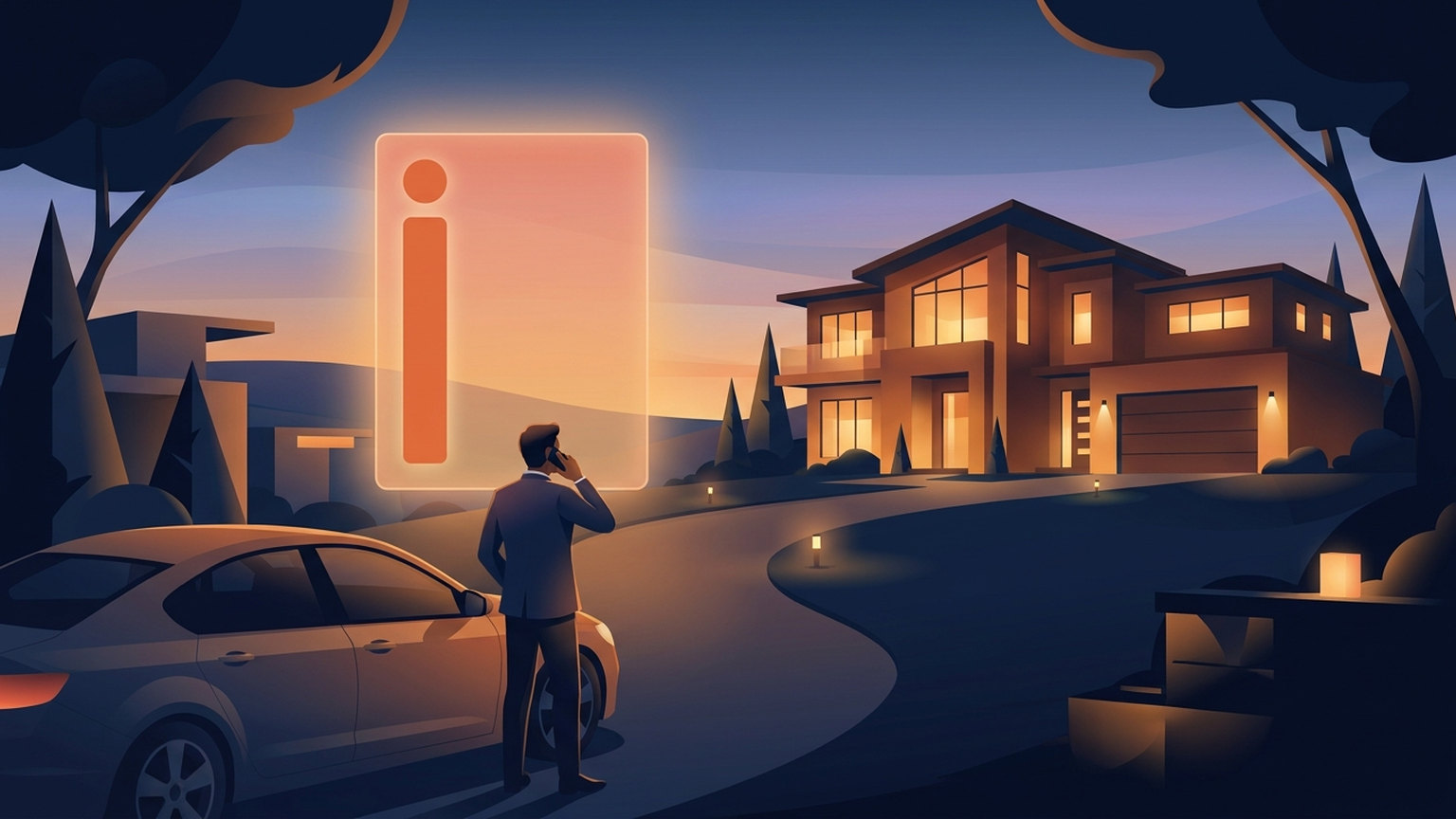
You called a lead back at 7:40 on a Tuesday, from your own cell, standing in a driveway. Nine minutes, and you set a showing for Saturday. As far as your CRM is concerned, that conversation never happened.
This is not a Follow Up Boss bug. It's a design boundary almost nobody has explained clearly, and it quietly caps how good your reporting, your smart lists, and any AI scoring on top of your database can be. Here is the whole boundary, with the parts that are easy to fix separated from the parts that are not.
The timeline is a log, not a wire
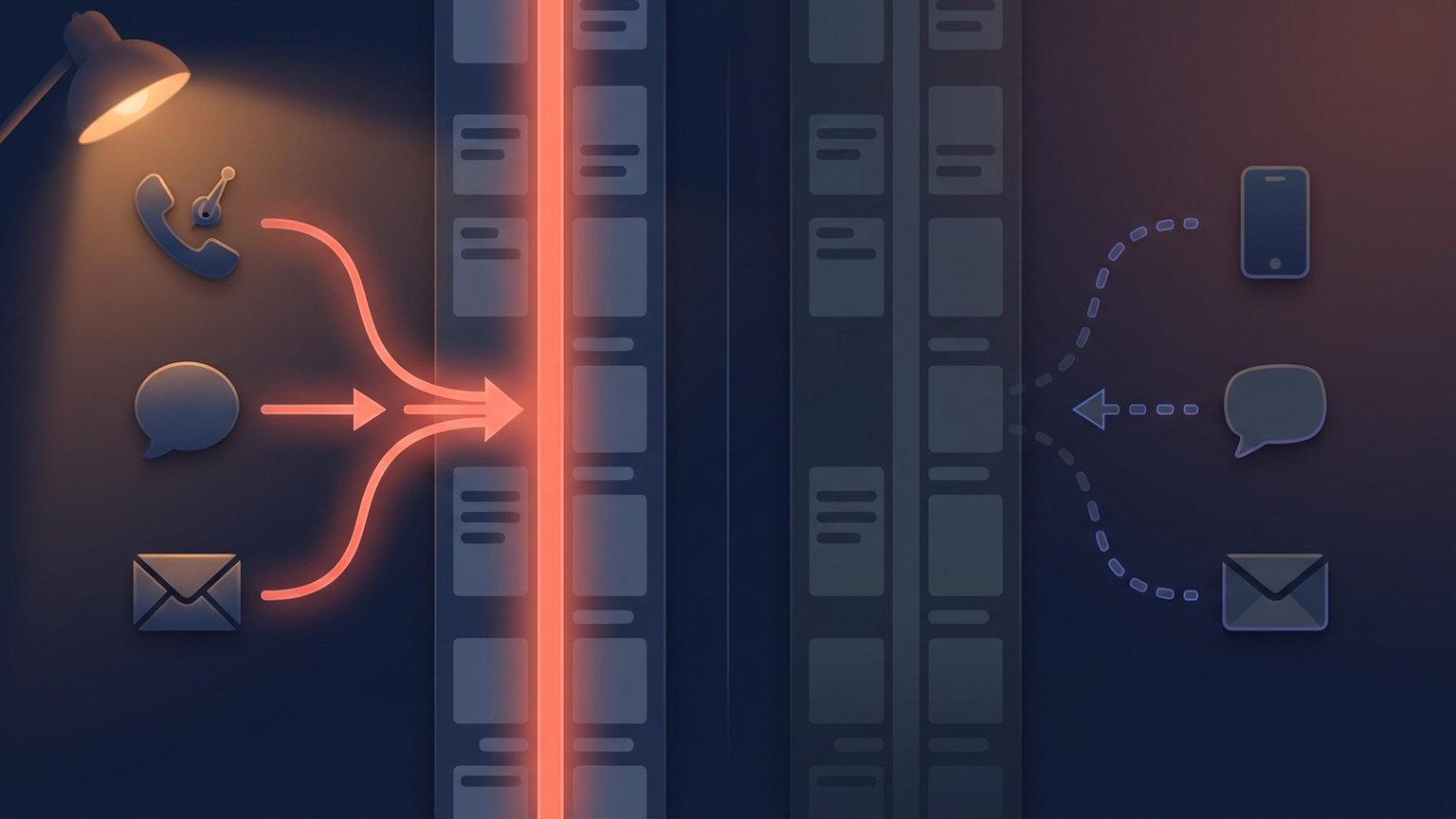
The mental model most agents carry is that the Follow Up Boss contact timeline is a record of what happened with a lead. It is closer to a record of what happened through Follow Up Boss. Those two things overlap a lot when you work inside the CRM all day, and they diverge badly the moment you don't.
The clearest evidence for this is in Follow Up Boss's own developer documentation. Its API has an endpoint for creating text messages, and the docs say plainly: “Text messages created through the API are recorded as logs only. No actual text messages are sent.” (Follow Up Boss API reference, /textMessages.) The endpoint writes history. It does not carry the message.
Once you see that, the rest of the system makes sense. Every integration that puts a call, text or email onto a contact record is either (a) routing the communication through Follow Up Boss, or (b) doing the thing somewhere else and then writing a record back afterward. There is no third option, and the gaps in your database are all in category (b) where nothing wrote the record.
What logs by itself, and what doesn't
| Channel | Logs automatically when… | Leaves no record when… |
|---|---|---|
| Calls | You place the call from inside the Follow Up Boss iPhone app. Calls you receive log automatically only for an agent who has the Follow Up Boss Calling add-on | You're on Android (app 2.2.0 and later can't track call activity at all — every call is logged by hand), you dial from a phone that isn't the app or your Follow Up Boss number, or a lead calls your cell and you don't have the Calling add-on |
| Texts | The text goes through your Follow Up Boss number, in the app or on desktop | You text from your own Messages app, WhatsApp, or a personal thread that predates the CRM |
| You've connected your email account and turned on email sharing, which syncs sent and received mail to lead timelines | You send from an address you never connected, or from a marketing tool that doesn't write back | |
| Appointments | The calendar is connected and the appointment is created against the contact | You put it on a personal calendar the CRM has never seen |
The call row is the one that surprises people, and it carries two conditions that are easy to miss. The first is the paid add-on. Follow Up Boss's own documentation says that without Follow Up Boss Calling, “incoming calls to your cell number will not be logged due to privacy restrictions imposed by Apple” and have to be logged manually; with the add-on, “all calls made and received are automatically logged into the system” (Follow Up Boss Help Center, manually logging calls on iPhone). Follow Up Boss prices that add-on per user rather than per account, so one team can genuinely be running both behaviours at once.
The second condition is your phone. This is the part where Follow Up Boss's own help articles disagree with each other, and it's worth saying so rather than picking the tidier version. The iPhone article says in passing that outgoing calls from the app log automatically “for iPhone and Android.” The Android article — updated the same day — says the opposite for Android specifically: “As of version 2.2.0, call logging behavior has changed slightly from previous versions — due to Google privacy restrictions, call activity on your phone cannot be tracked. This means that after any call you make, you will want to navigate back to the lead's page within the app and manually log the call” (Follow Up Boss Help Center, manually logging calls on Android). The same article scopes the automatic-logging carve-out explicitly to iPhone. A platform-specific document beats a passing clause in the other platform's document, so we'd plan for the Android version: on Android, assume nothing logs itself.
Either way, a manually logged call is not the same object as a tracked one in reporting — it carries no duration and no number under the agent's name (Follow Up Boss Help Center, call logs). So inbound coverage is a paid line item rather than a default, outbound coverage depends on which phone is in your hand, and a team that assumes otherwise is under-counting exactly the calls that show a lead is interested.
Email has a subtler shape. With sharing on, Follow Up Boss syncs your sent and received mail to your leads' timelines, and it deliberately excludes emails between agents on the same account unless a lead is on the thread (Follow Up Boss Help Center, sharing your emails). That exclusion is a privacy feature, not a defect — but if you assume “everything syncs,” it's one more place your history is thinner than you think.
If you're still deciding which channel to reach for in the first place, we wrote a separate decision guide for call vs. text vs. email. This post assumes you've already picked one and are asking whether the CRM noticed.
The three gaps that cost the most
1. The personal cell
This is the big one, and it's structural rather than lazy. Agents give out their cell number because that's how the business works. Leads then call it back. None of that traffic exists in the CRM unless someone logs it by hand, which happens on the good days and not on the busy ones. The fix is either to move calling into the Follow Up Boss mobile app, or to accept that you need something that writes the record for you after the fact.
2. The dialer that doesn't write back
Third-party dialers vary. Some log every attempt and outcome onto the contact; some log nothing until configured. Check this before you build reporting on top of it — our Mojo Dialer integration guide covers one common case, and the same question applies to whatever you use.
3. The email address nobody connected
A team lead connects their own mail, turns on sharing, sees email flowing onto timelines, and reasonably concludes the account is done. Meanwhile three agents never finished the connection, and six months of their sent mail is invisible. Sharing is per-user, so it's per-user to verify.
Why the gap gets more expensive the more your CRM does

An unlogged call used to cost one line of history. It costs more now, because more things read that history: smart lists filter on last-contacted dates, accountability reporting counts touches per agent, and any AI layer sitting on the CRM — ours included — reads the same timeline you do.
That last part deserves a plain statement rather than a slogan. Ace watches 34 Follow Up Boss event types and writes two custom fields onto every contact it scores on a connected account for free: an Ace Win Score and an Ace Churn Risk. Those fields are computed from what the CRM knows. If half an agent's real conversations never reached the timeline, the score isn't wrong so much as under-informed, and it will read that agent's book as colder than it is.
This is not a niche concern. In a study of roughly a million CRM customer records, data-quality dimensions showed a significant relationship with purchase loyalty and campaign success rates, and the paper's explicit conclusion was that those dimensions matter for “suitability for use” in predictive analysis, not just for tidiness (Suh, IEEE Access, 2023). That research is on home-appliance retail, not real estate, so treat it as directional rather than as a number about your brokerage. The mechanism is the part that transfers.
A 10-minute logging audit
Run this on your own account before you run it on the team. It is faster than it sounds.
- Pick three contacts you personally worked in the last two weeks — ones you know you called or texted. Open each timeline.
- Count what's missing. Not what's there. If you remember a call that isn't on the record, that's a data point about your whole book, not about that contact.
- Check your own email connection and sharing setting. Then check it for every agent, not just the admin who set the account up.
- Test one text. Send one through your Follow Up Boss number and one from your personal Messages app to a test contact. Look at the timeline. One of them will be there.
- Look at a smart list that filters on recent contact. If people you actually spoke to last week are sitting in a “no contact in 30 days” list, you've found the gap without needing to trust anyone's memory. There's more on building lists that hold up in our Follow Up Boss power-user tips.
- Check appointments. Confirm the calendar connection is live; our calendar integration guide covers what syncs onto contact timelines and what doesn't.
Whatever you find, resist the urge to backfill six months by hand. It won't hold. Fix the routing for what happens next.
What we do about it — and where it still costs you
Follow Up Ace closes part of this gap and is honest about the part it doesn't.
Email. When you approve a drafted email from Ace's queue and it goes out through your connected Gmail, Ace writes that message onto the contact's Follow Up Boss timeline right away rather than waiting on mailbox sync to catch up. The post-call recap workflow uses the same path.
The honest cost: if you also have Follow Up Boss's native email sync running on that same mailbox, the message can land on the timeline twice — once from us, once from the sync. There is a per-account setting that turns our write off if you'd rather have the single native record. We would rather tell you that than let you find it.
Texts. Ace drafts the message, you send it from your real number in your phone's own composer, and the timeline record is written afterward. Because the underlying Follow Up Boss endpoint only logs and cannot deliver, this path physically cannot double-send you into an embarrassing situation — the worst case is a text that went out and a log entry that didn't, which the app surfaces so you can retry. On iPhone the log happens as soon as you tap Send; on Android and mobile web the operating system doesn't report the result, so you confirm it when you come back. That flow ships in the free iPhone app.
The honest limits. The logging runs on your own Follow Up Boss authorization and is attributed to you, which is correct but means an agent who hasn't connected theirs gets a prompt to connect rather than someone else's access. And none of this retroactively recovers a call you made last March. It changes what happens from here.
What an intelligence layer can do once the timeline is actually complete is Ace Trove. If you're earlier than that, start with what Follow Up Boss is; if you're building against this boundary yourself, the Follow Up Boss API guide is the practical version.
Frequently asked questions
Does Follow Up Boss log calls made from my personal cell phone?
Mostly not, and the answer depends on your phone. On iPhone, without the Follow Up Boss Calling add-on, only outgoing calls started from the app are logged; incoming calls to your cell number are not logged automatically and have to be logged by hand. On Android, Follow Up Boss's own documentation says app version 2.2.0 and later cannot track call activity at all, so every call is logged manually. For an agent who has the Calling add-on, calls made and received are logged automatically.
Why don't my sent emails show up on the contact timeline?
Usually because the email account isn't connected, or email sharing isn't switched on for that user. Sharing is configured per user, so an account where the admin is connected can still have agents whose mail never syncs. Emails between agents on the same account are also excluded unless a lead is on the thread.
Can the Follow Up Boss API send a text message for me?
No. The API's text-message endpoint creates a log entry only; Follow Up Boss's documentation states that no actual text messages are sent. Any tool that appears to text through the API is delivering the message somewhere else and then writing the record.
Does unlogged activity affect AI lead scoring?
Yes, and it's the most under-appreciated cost of the gap. Scores are computed from what the CRM can see. A contact you've been calling steadily from a personal phone will look neglected in any system that reads the timeline, including ours.
Try Follow Up Ace in your Follow Up Boss
Free to start, no sales call. Connect Follow Up Boss in one click and Ace works inside your CRM.
Get Started Free