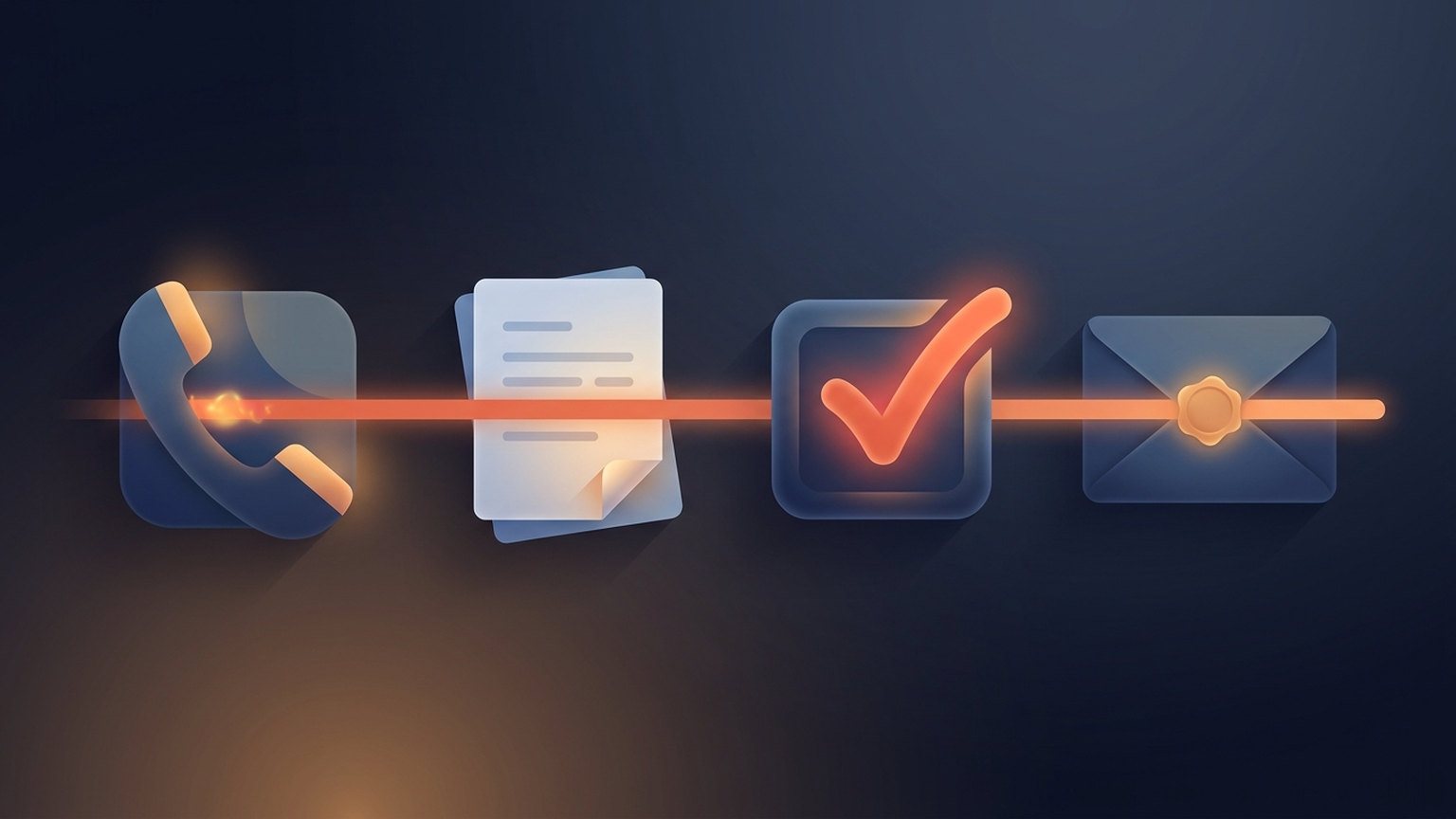
Goodbye Busywork: Building a Zero‑Click Post‑Call Workflow with Ace AI + Gmail ‘Send‑For‑Me’
Tired of wasting time on post-call tasks? With Ace AI and Gmail's 'Send-For-Me' feature, you can automate everything - call notes, CRM updates, follow-ups, and emails - without lifting a finger. Here's how it works:
- Ace AI: Automatically logs calls, updates CRM, schedules follow-ups, and drafts personalized emails.
- Gmail 'Send-For-Me': Sends pre-drafted emails instantly, ensuring timely communication.
- Follow Up Boss CRM: Acts as the central hub for all your client data and workflows.
This zero-click system saves up to 10 hours a week, improves client response times, and ensures nothing falls through the cracks. Ready to simplify your workflow? Let automation handle the admin so you can focus on closing deals.
Setup Requirements and Initial Configuration
Getting a zero-click workflow up and running requires three key tools working together seamlessly. The setup process is simple, and configuring each component correctly ensures your automation operates smoothly right from the start.
What You Need to Get Started
To automate your workflow, you'll need Ace AI, Follow Up Boss CRM, and Gmail with 'Send-For-Me' enabled. Each tool plays a critical role in eliminating post-call tasks.
- Follow Up Boss acts as your central hub, storing all contact details, call logs, and tasks in one place.
- Ace AI integrates directly with Follow Up Boss - no separate logins or browser extensions required.
- Gmail's 'Send-For-Me' feature automates the process of sending the emails Ace AI drafts for you.
Ace AI takes care of crafting personalized SMS messages and emails - and if Gmail is connected, it can send those emails automatically. Once everything is configured, you won’t need to lift a finger after ending a client call.
To complete the setup, make sure you have an active internet connection and administrative access to your Follow Up Boss account.
Setting Up Ace AI in Follow Up Boss

Configuring Ace AI involves three main steps: enabling the integration, creating an API key, and connecting the tools.
Step 1: Enable Ace AI Integration
Log into Follow Up Boss, navigate to Admin > Integrations > Embedded Apps > Ace AI, and turn on the integration. This step allows Ace AI to securely access your CRM data.
Step 2: Generate an API Key
Head to Admin > API in Follow Up Boss and create a new API key. This key allows Ace AI to interact with your CRM, including accessing contact information, call records, and workflow data. Keep this key secure - you’ll need it for the next step.
Step 3: Connect Ace AI Using the API Key
Open Ace AI within Follow Up Boss, go to the SETUP section, and paste your API key to establish the connection. Afterward, configure team branding and assistant settings to finalize the setup.
Once connected, Ace AI begins learning the structure, workflows, and communication patterns in your Follow Up Boss account through its Knowledge Base feature. This enables it to perform tasks like creating notes, updating records, scheduling appointments, and even sending emails directly. With these capabilities in place, you’re ready to link your Gmail account for full automation.
Turning On Gmail's 'Send-For-Me' Feature

After setting up Ace AI, the next step is to connect your Gmail account, allowing it to send emails automatically and create a hands-free experience.
Enable 'Send-For-Me' in Gmail Settings
Go to your Google Account's security settings and enable app access for 'Send-For-Me.' If you use Google Workspace, you may need assistance from your IT administrator to activate this feature across your organization.
Set Up Sending Preferences
Customize your email sending preferences to suit your business needs. You can add default signatures, schedule sending times, and define rules for different follow-up scenarios. Keep Gmail's daily sending limits in mind: 500 emails per day for free accounts and up to 2,000 for Google Workspace accounts.
Authenticate Your Emails
To improve email deliverability, authenticate your domain with SPF and DKIM records. This ensures your emails land in inboxes rather than spam folders and aligns with best practices. Additionally, include an easy unsubscribe option to maintain compliance and improve open rates.
With these steps complete, your workflow is fully automated, allowing you to focus on what matters most - building client relationships.
How Ace AI Handles Your Post-Call Work
Once your setup is complete, Ace AI takes over the heavy lifting of post-call tasks, eliminating the need for manual note-taking or CRM updates. You can skip tedious updates and move straight to your next priority, as Ace AI handles everything seamlessly. This zero-click solution frees up your time so you can focus on what really matters - engaging with clients and closing deals.
The magic lies in Ace AI's ability to securely access relevant data from your Follow Up Boss account, including contact history and notes, to fully understand the context of your conversations. This means every automated task is tailored to your specific client relationships rather than relying on generic templates. From logging call details to scheduling follow-ups, Ace AI ensures every step is handled efficiently.
Automatic Call Logging and Task Setup
After every call, Ace AI jumps into action. It records key points from your conversation, updates your CRM, and creates follow-up tasks based on client-specific details. Integrated directly with Follow Up Boss, the AI streamlines routine CRM tasks, eliminating the need to juggle multiple platforms or remember additional login credentials.
For example, if a client mentions they're available for a showing next Tuesday, Ace AI schedules that task. If they express concerns about mortgage rates, it sets a reminder to send them relevant information. By using Follow Up Boss tags, stages, and action plans, Ace AI triggers the right workflows automatically. This ensures that your lead nurturing continues uninterrupted, even when you're focused on other clients.
The impact of this automation is clear. One user reported doubling their speed-to-lead and achieving a 27% increase in conversions within just the first month of using Ace AI with Follow Up Boss. By eliminating delays between conversations and follow-up actions, you can stay ahead of the game.
Custom Follow-Up Email Creation
Ace AI doesn’t stop at task management - it also crafts personalized follow-up emails based on your call data and CRM interactions. These emails go beyond inserting a client’s name into a pre-made template. Instead, they reference specific details like properties the client has viewed, their concerns, or their preferences.
Using your CRM structure, real estate workflows, and communication patterns, Ace AI ensures every email aligns with your established processes. For instance, it might reference recent property searches, financing discussions, or a client’s timeline preferences. If your email account is connected, Ace AI can even send these emails automatically when prompted, creating a hands-free experience where personalized follow-ups happen without any effort on your part.
On top of email automation, Ace AI simplifies task management with intuitive voice and chat commands, making it easier than ever to stay organized.
Managing Tasks Without Typing
Ace AI’s voice and chat assistant allows you to update statuses, schedule appointments, and add notes - all through natural conversation. This means you can keep your CRM up-to-date without ever needing to type.
Voice commands are especially handy for tasks like updating lead statuses, setting appointments, or logging client preferences. Whether you’re driving between showings or walking through a property, you can capture essential details on the go. For situations where voice commands aren’t practical, the chat interface offers a quick and efficient alternative. You can create tasks or schedule appointments in Follow Up Boss using simple, conversational language, avoiding the hassle of navigating complex menus.
This hands-free approach ensures you capture every important detail while it’s still fresh in your mind, removing the barriers that often lead to missed updates. With Ace AI, staying on top of your CRM has never been easier.
Connecting Gmail's 'Send-For-Me' for Auto-Emails
Once Gmail is set up for automated sending, the next step is connecting it with Ace AI to streamline your email follow-ups. By combining Ace AI's email creation capabilities with Gmail's automation, you can ensure follow-up emails are sent at the perfect time without lifting a finger. This setup enables a completely hands-free workflow where your follow-ups are handled automatically.
How Gmail 'Send-For-Me' Works
Think of Gmail's 'Send-For-Me' as your personal email assistant. It automatically sends pre-drafted emails based on schedules or triggers you define. For example, when Ace AI generates a tailored follow-up email using data from your recent calls, Gmail ensures it’s sent at the most appropriate time - whether that’s right after the call, later in the day, or early the next morning.
This automation completes your zero-click workflow, letting you focus on engaging with clients while ensuring they receive timely, thoughtful emails. Even when your schedule is packed with appointments or showings, your communication stays consistent and personal, without the stress of remembering every follow-up.
Linking Ace AI with Gmail Automation
To connect Gmail with Ace AI, follow the steps outlined earlier in the setup guide. Gmail works seamlessly with Follow Up Boss, making it the ideal choice for this kind of automation.
Once the connection is established, Ace AI gains access to your Gmail account to draft and schedule emails automatically. The AI adapts to your Follow Up Boss CRM setup, learning your workflows, email templates, and communication style. This ensures every email aligns with your professional tone and meets client expectations.
Ace AI goes a step further by analyzing notes, calls, texts, and website interactions within Follow Up Boss. It uses this data to craft emails that reference specific details - like recent conversations, property interests, or client concerns - rather than sending generic messages. This level of personalization helps build stronger client relationships.
US Real Estate Email Standards and Formatting
When automating emails, it’s critical to comply with the US CAN-SPAM Act, which governs all commercial emails, including follow-ups to potential buyers and sellers.
Key compliance rules include:
- Providing accurate sender information.
- Using truthful subject lines.
- Clearly identifying emails as advertisements (if applicable).
- Including your physical mailing address.
- Offering a clear and easy opt-out option.
Additionally, you must honor opt-out requests within 10 business days. Violations can result in penalties of up to $50,120 per email, so staying compliant is essential for protecting your business. Ace AI helps by ensuring all automated emails meet these legal requirements, including proper formatting and the necessary disclosures.
For date references in your emails, stick to the US standard format (MM/DD/YYYY). When scheduling calls or meetings, include time zones and use the 12-hour clock with AM/PM, as this is what clients expect.
sbb-itb-b3b90a6
Step-by-Step Example: Your Automated Day
What Happens After You Hang Up
Picture this: it’s 2:30 PM on a Tuesday, and you’ve just wrapped up a call with Sarah Martinez, a potential buyer. She’s looking for a three-bedroom home in the downtown area with a budget of $450,000. What happens next? Let’s break it down.
The moment you end the call, Ace AI kicks into action. Within seconds, the system logs the call in your Follow Up Boss CRM, capturing key details like Sarah’s budget, her preferred neighborhoods, and her timeline to purchase within 90 days. It even updates her profile with additional notes: a preference for homes with modern kitchens and proximity to quality schools.
By 5:00 PM, Ace AI schedules a task to send Sarah relevant listings, and it also sets up a follow-up call for Thursday at 10:00 AM. Meanwhile, it drafts a personalized email referencing your conversation, the three properties you discussed, and some market insights. Using Gmail’s 'Send-For-Me' feature, the email is sent automatically at 3:15 PM.
By 3:20 PM - less than an hour after the call - Sarah receives a well-crafted follow-up email. It includes property listings, your contact information (formatted professionally), and a clear call-to-action inviting her to schedule a showing. All of this happens without you lifting a finger. Your CRM stays current, your client feels valued, and you keep the momentum going in your sales process.
This seamless process, from logging the call to sending the email, is entirely automated. It ensures consistent communication and keeps your workflow efficient, setting you up for success in the next stages of client engagement.
Tips for Getting the Best Results
- Tailor your email templates: Personalize templates to match your brand voice. Ace AI adapts to your style but fine-tuning elements like greetings and closings ensures every email feels like it’s coming directly from you.
- Double-check automation during setup: While Ace AI boasts 99.99% accuracy, it’s a good idea to review the first set of automated emails and tasks to ensure everything aligns with your workflow.
- Capitalize on the 5-minute response window: Leads contacted within 5 minutes are 8 times more likely to convert. Configure Ace AI to send instant acknowledgment emails while preparing more detailed follow-ups. This dual approach taps into the critical response window, boosting conversion rates by up to 391%.
- Segment your leads: Use different email templates based on lead temperature. Since 95% of leads convert after 2–12 follow-ups, tailoring your approach can make all the difference.
- Monitor security settings: Ace AI uses a secure Follow Up Boss API key and anonymizes sensitive data before processing. Regular reviews of your security settings ensure your system remains protected.
- Track performance metrics: Personalized emails can increase open rates by 29% and click-through rates by 41% compared to generic ones. Use analytics in Follow Up Boss to identify what’s working and tweak your templates accordingly.
"Successful agents understand that prompt, personalized communication can make the difference between closing a deal and losing a lead." – Luxury Presence
- Set up approvals for high-value leads: For big-ticket clients or unique cases, you might want to manually review follow-ups. This keeps you in control while letting automation handle routine tasks.
- Test and refine workflows: Regularly fine-tune your processes, including testing off-hours to ensure Gmail’s 'Send-For-Me' respects your business hours and time zone settings.
Why Zero-Click Workflows Change Everything
Zero-click workflows are reshaping how real estate professionals handle post-call tasks. By automating these time-draining administrative chores, you can shift your focus to what truly matters - building client relationships and closing deals. This approach doesn't just save time; it transforms your daily operations, letting you reclaim hours for revenue-generating activities.
Manual vs. Automated: A Side-by-Side Look
The difference between traditional manual workflows and zero-click automation is striking when you compare the numbers. Here's how switching to tools like Ace AI and Gmail can revolutionize your post-call process:
| Aspect | Manual Workflow | Zero-Click Automated Workflow |
|---|---|---|
| Time per follow-up | 5–10 minutes | <1 minute (fully automated) |
| Daily time spent | 1–2 hours | <15 minutes |
| Error rate | Moderate to high | Very low (AI-driven accuracy) |
| Lead response speed | Delayed (hours) | Instant (seconds/minutes) |
| Consistency | Varies by agent | Uniform, always on-brand |
| Task tracking | Prone to omissions | Automatic, real-time updates |
| Productivity impact | Limits client time | Frees up hours weekly |
With automation, follow-ups are instant and tailored, removing delays that could weaken client engagement.
More Time for Clients and Deals
The time saved through automation doesn’t just vanish - it’s reinvested into activities that grow your business. Instead of spending hours on tedious tasks, you can focus on meeting clients, showing properties, and closing deals.
For instance, one agent using Ace AI reported a 30% increase in client meetings per week after automating follow-ups. With no need to manually draft emails or update systems, you can dedicate more energy to being in the field and strengthening client relationships.
Automation also ensures no follow-up is missed. Every call is logged, every email sent on time, and every task handled seamlessly. This lets you stay fully present during client interactions, which often leads to stronger connections and more referrals.
How Much Time Can You Save?
If you typically handle 10–15 client calls a day, automation could save you 1–2 hours daily, or 5–10 hours weekly. That’s up to 40 hours monthly and 480 hours annually - time that can be redirected toward client engagement and revenue-driving activities.
These aren't just abstract figures - they're based on real agents who’ve transitioned to automated workflows. By eliminating manual delays and reducing mental clutter, automation frees you to focus on what matters most.
And the financial benefits? If you close deals worth $300,000 annually and work 2,000 hours a year, your hourly rate is $150. Saving 10 hours a week translates to freeing up about $1,500 worth of your time weekly. That’s time you can use to take on more clients, schedule additional showings, or develop strategies to grow your business further.
In short, automation doesn’t just save time - it amplifies your ability to engage clients and boost revenue.
Start Your Zero‑Click Workflow Setup Today
Streamline your workflow and save up to 10 hours a week while improving response times. By automating follow-up emails within that all-important window, you'll be in a stronger position to capture leads and grow your business.
What You've Learned
The secret to cutting out post-call busywork lies in integrating three key tools: Ace AI's intelligent automation, Gmail's 'Send‑For‑Me' feature, and your Follow Up Boss CRM. Together, these tools create a powerful system that takes care of call logging, task creation, and follow-up emails - all without lifting a finger.
The benefits go far beyond saving time. Top-performing agents spend only 25-30% of their time on admin tasks, compared to 60-70% for others. By automating your workflow, you gain more time to focus on what really matters - activities that drive revenue.
And here’s a game-changer: Leads followed up with within 5 minutes are 100x more likely to convert. With an automated system, you'll never miss that critical window, giving you a major advantage that grows over time. Now’s the time to put these insights into action with Ace AI.
Your Next Steps with Ace AI
Ready to get started? Sign up for Ace AI's free 7-day trial - no credit card required. You'll gain full access to its embedded chat assistant and voice commands through Ace Pro.
From day one, Ace AI automatically configures itself to your workflows, learning your CRM structure and communication patterns. You can fine-tune your brand settings in the admin dashboard to align with your preferred tone and style.
Once connected, Ace AI integrates with your Follow Up Boss data, including contacts, communications, and deal details. It can handle tasks like creating notes, scheduling appointments, and populating custom fields - all triggered by simple voice commands or chat prompts.
The financial payoff is clear. If your time is worth $150 per hour and you save 10 hours a week, that’s $1,500 of productive capacity freed up weekly. You can redirect that time to client meetings, property tours, and deal negotiations.
Track your setup process and measure your results. Many agents report seeing faster response times and happier clients within the first week of using Ace AI.
Your zero‑click workflow isn’t just about speeding things up - it’s about working smarter. By automating the tedious tasks, you can focus on what you do best: connecting with clients and closing deals. Every second saved is another second you can spend where it matters most.
FAQs
How does Ace AI create accurate and personalized follow-up emails after client calls?
Ace AI takes a deep dive into your notes, call records, text messages, and website activity to create follow-up emails that are not only precise but also tailored to each client. It learns from your previous interactions, mirroring your communication style and tone to make every email feel genuine and on-point.
This automation doesn’t just save you time - it helps maintain the personal connection that’s key to building stronger relationships with your clients.
What security and privacy risks should I consider when using Ace AI with Gmail's 'Send-For-Me' feature?
When using Ace AI alongside Gmail's 'Send-For-Me' feature, it's crucial to keep security and privacy in mind. These tools often deal with sensitive client data, which could be at risk if not handled securely. Potential issues include data breaches, unauthorized access, or accidental exposure of private information.
To reduce these risks, focus on a few key measures: use strong encryption, implement strict access controls, and perform regular security audits. Also, be mindful of the permissions you grant to AI tools - overly broad access or misconfigurations can lead to unintended privacy issues. By taking these steps, you can safeguard your data and uphold client confidence.
Can I customize Ace AI's zero-click workflow to match my business needs and communication style?
Ace AI's zero-click workflow is designed to align seamlessly with your business's unique needs and communication preferences. By offering adaptable AI workflow modules and integration options, the platform allows you to fine-tune processes to match your operational goals.
Even though the zero-click workflow is built for efficiency, you can personalize elements like follow-up emails and task management to reflect your specific tone and style. This flexibility makes it an excellent choice for businesses aiming to simplify operations without losing their personal touch.