Follow Up Boss AI Tools: What's Built In, What Isn't

Follow Up Boss does ship native AI: Smart Summaries (in beta), Smart Messages, suggested tasks, and predictive lead prioritization, at no extra charge — though several lean on paid FUB Calling data. Most of it works at the conversation level; predictive lead prioritization is the exception, surfacing across your database via tags. None of it writes a score into a field or acts on what it finds — scoring your whole database, and acting on what the scores say, still takes a separate layer.
Follow Up Boss shipped four AI features while this page was still telling readers it had none. That was our error, it sat here for weeks, and the correction is at the bottom of this page with a date on it.
The useful part is what the mistake was hiding. Every tool in this category, ours included, has been selling itself as the AI layer your CRM lacks. That pitch is dead. The question for a team lead in August 2026 is narrower: which AI job is already covered, and which one are you still paying for with your agents' attention?
What Follow Up Boss ships natively
Quoted from FUB's own AI page and pricing page, both checked 3 August 2026 — their descriptions, not our characterization.
| Feature | What FUB says it does | Status |
|---|---|---|
| Smart summaries | "summarizes your calls and recaps the lead's entire history at a glance" | Labeled beta on FUB's page |
| Smart messages | "suggested texts and emails based on the lead's activity" | Live |
| Suggested tasks | tasks "suggested automatically and activated with a single click" | Live |
| Predictive lead prioritization | "High intent Zillow buyers and qualified sellers are surfaced automatically by AI-powered tags" | Live |
One caveat on the price. FUB states there is currently no additional charge for AI features, but also that many of them "rely on data produced by the FUB Calling feature, which is an added charge on certain plans" — and on Grow, calling is a $39/user/month add-on ($33 billed annually). If your team does not run calls through FUB, a chunk of the native AI has nothing to read.
Turn these on before you buy anything else. Nothing below is an argument against them. New to the platform? Our Follow Up Boss CRM explainer covers the fundamentals underneath all of it.
The line these features draw
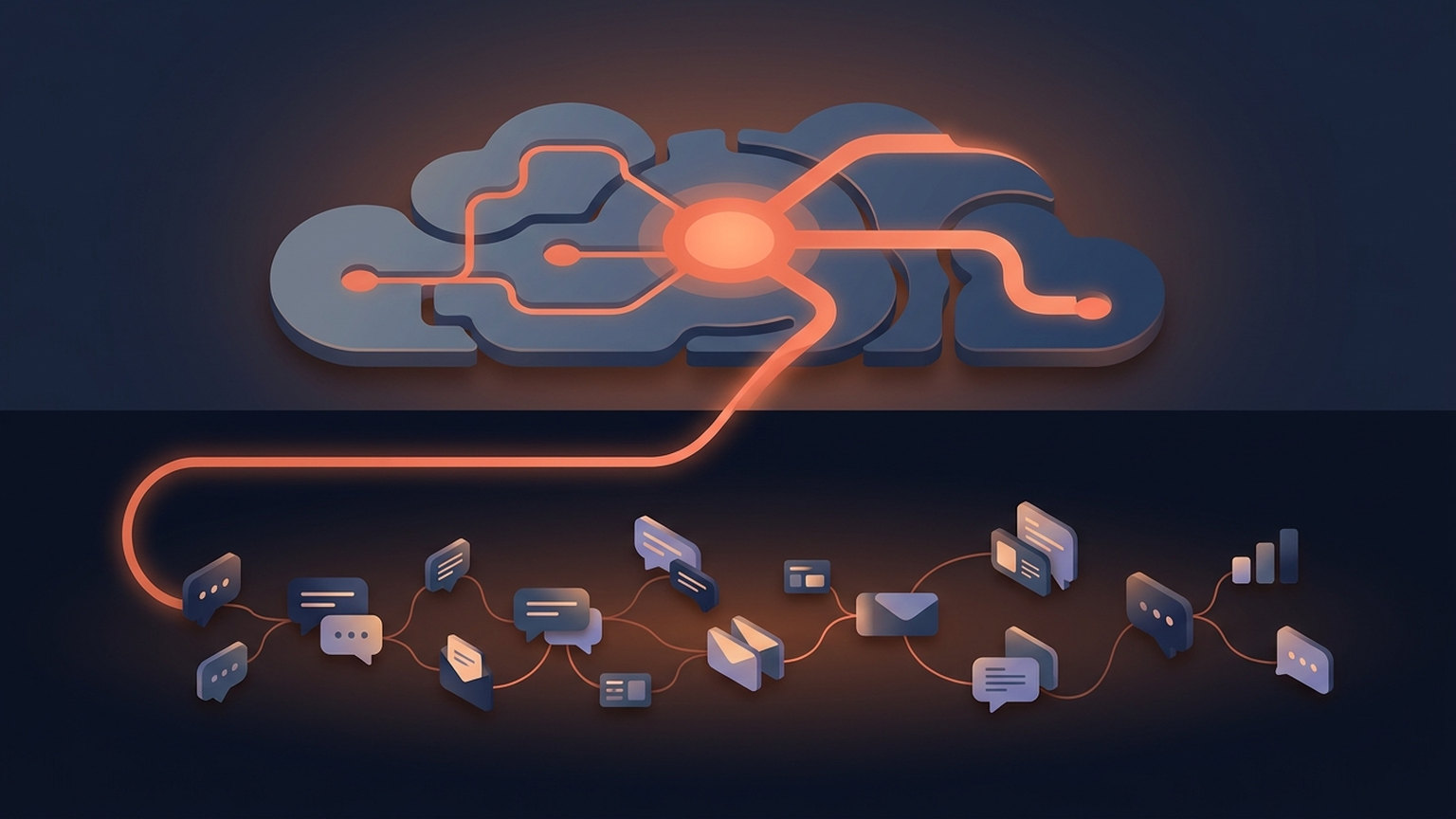
Read the four descriptions again and a pattern shows up. Every one fires on a conversation you are already having. A call you just finished. A lead who just replied. A tag on an inbound Zillow buyer. The AI sits beside the record you already opened and makes it faster to work.
That saves real time, and it is not the expensive problem. The expensive problem is whatever share of your database nobody opened this quarter — go count it, the number is usually worse than the guess. No summary gets written for a lead you never called. No message gets suggested for a conversation that never started. Prioritization surfaces high-intent buyers into your view; it does not tell you a quiet contact from March is now your third most likely closing this year.
Which is the honest split: native AI makes the conversations you're having better. A second layer decides which conversations should be happening at all.
What the research actually supports
Worth knowing before anyone buys on a vendor's claim, ours included. A review of 44 lead-scoring studies found predictive, model-based scoring beats scoring built on salesperson intuition, and is worth the cost despite being pricier to run (Wu et al., 2023, Information Technology & Management).
The more useful finding is less flattering. A 2025 Journal of Marketing fact-check of automated lead nurturing, across four studies, found the effect on conversion probability ranges from 0 to 23 percentage points depending on sales-cycle length, deal size, and whether a relationship already existed. Its advice: rather than accepting industry claims at face value, verify whether it improves conversion in your own context (Habel et al., 2025).
Zero is inside that range. Take the same posture with this page.
What a second layer adds, concretely
Here is what Ace Trove does that conversation-level AI structurally cannot, with the specifics rather than the adjectives.
It scores every contact, and the score lands in FUB
Trove writes six custom fields into Follow Up Boss. Two are free on every connected account: Ace Win Score (0–100) and Ace Churn Risk (Low / Medium / High). Four come with the Trove add-on: Ace Expected GCI (est.), Ace Opportunity, Ace Seller Tier, and Ace Last Analyzed.
Six, not twenty. Fourteen fields are retired, most of them heuristic, cut down to the ones a model actually grounds. The retired ones get deleted out of FUB rather than left behind to rot.
Because these are ordinary FUB custom fields, everything you already know how to build works on them — Smart Lists and action plans, for a start. That is the point of writing back into the CRM instead of standing up another dashboard. We ship fourteen pre-built Smart Lists: nine free, with five more in Trove. They sort on Win Score when scoring is available, with capture-signal lists falling back to newest first.
Every connected eligible account is scheduled nightly for Ace Win Score and Ace Churn Risk, whether free or on a paid seat. Trove adds five advanced fields and batched refreshes after meaningful activity. Initial imports and delivery retries can take longer than a scheduled cycle. The model's report card — how the scores held up against real closings, including where they are weakest — is at /learn/model-evaluation.
It scans what the AI wrote, before you send it
Messages Ace writes for you are scanned for Fair Housing and licensing-boundary language before you ever see them. Prohibited and coded terms flag high severity; language drifting into legal advice or appraisal opinion flags medium. Flagged copy is rewritten and rescanned, and if it still trips the scan Ace falls back to neutral wording rather than handing you the original.
The honest boundary: that code-level scan covers the copy Ace authors. Voice output and agent-triggered sends from an external AI client lean on the model's training instead. Which paths are code-enforced and which are not is spelled out on the compliance page — worth reading, because writing is where Fair Housing enforcement looks.
It opens the CRM to the AI you already use
Ace Pro connects your CRM to Claude and ChatGPT over the Model Context Protocol, so you can work your pipeline from a conversation instead of a browser tab — read contacts, log notes, update fields, pull pipeline analysis. Setup is on the agentic AI page.
Now we can quote you a tool count. Earlier versions of this post refused to, because the numbers on our own site described the desktop build rather than the hosted connector, and none had been re-verified to the standard the rest of this post is held to. That is fixed. The connector you actually paste into Claude or ChatGPT advertises 189 tools, and it now scopes them to who you are: an individual agent seat sees 170, an account admin sees all 189, because team-wide tools (per-agent leaderboards, the commission ledger, peer benchmarks) are admin-only by design. A handful require the Ace Trove add-on. Run tools/list after you connect and you will see the count for your own role — that answer is still authoritative, and ours now agrees with it.
It reads signals that never appear in a conversation
Tenure, estimated equity, local appreciation, and seller-intent tags already in your CRM combine into an Ace Seller Tier on contacts who have not raised their hand yet, with the evidence behind each one in Seller Radar. Equity is modeled from 30+ third-party data sources and always labeled "(est.)" — not lien-level, not appraisal-grade.
Where we'd tell you not to bother

Five questions, designed to talk you out of it.
- Under ~500 contacts? You can hold the database in your head. Turn on FUB's native AI, skip everything else, revisit at 2,000.
- Are your calls in FUB? If not, the native AI is running half-blind, and fixing that is free. Do it first and measure for a month.
- Do you know your stale-contact count? Build a Smart List of contacts with no activity in 90 days. Under 10% of your book means your follow-up discipline is already good.
- Will anyone act on a score? A Win Score changes nothing if no routing rule, Smart List, or standup reads it. Decide who owns that first — it is why most scoring deployments die.
- Can you check the answer in 30 days? Write down today's number for one thing: contacts touched per agent per week, or appointments set. If you cannot measure the delta, you cannot tell a working layer from an expensive one.
Two yeses across 3, 4 and 5 is where a layer starts paying. Fewer than that and you are buying a dashboard.
Limits we'd rather you hear from us
- Ace drafts; agents send. On 3 August 2026 we removed two "direct send" tools from every surface a model can reach — Follow Up Boss does not permit programmatic sending on that path, so they could only ever have worked for internal QA accounts. Two admin-configured paths send without per-message approval: an Automations email action, and a Smart Playbook AI send action. Everywhere else a human presses send.
- The 0–100 seller score does not sync to FUB. Only the Seller Tier does. If you need the raw number inside a Smart List, we do not do that today.
- Expected GCI is an estimate — win probability against your account's own median commission. A planning number, not a forecast to take to a bank.
- Peer benchmarks suppress below 10 accounts, so you see nothing rather than a number derived from three teams.
- Scores are not instant on a fresh connect. A large book takes time to import, score, and write back. Every eligible connected account is scheduled nightly, but the schedule does not guarantee completion of its initial import or delivery backlog.
Pricing, without a call
Ace is $25/seat/month, Ace Pro $55 (Pro adds voice and the MCP connector). Trove is account-wide rather than per seat, priced on contact count: $49 up to 5,000, $99 to 20,000, $199 to 50,000, $349 to 100,000, $549 to 250,000, $899 to 500,000. The free tier includes 15 AI chat messages a day plus Win Score and Churn Risk on every contact. Details on the pricing page; the setup checklist walks through connecting.
Frequently asked questions
Does Follow Up Boss have built-in AI in 2026?
Yes. Follow Up Boss ships smart summaries (labeled beta), smart messages, suggested tasks, and predictive lead prioritization, listed at no additional charge on its pricing page as of August 2026. FUB notes that several of these draw on data from the FUB Calling feature, which is a paid add-on on the Grow plan.
Do I still need a third-party AI tool if FUB has its own AI?
It depends on what is failing. Follow Up Boss's native AI improves conversations already in motion — summarizing a call you made, drafting a reply to a lead who wrote in. Its own AI page does not describe scoring every contact in your database, writing predictions into custom fields you can build Smart Lists on, or scanning drafts for Fair Housing language. If your problem is contacts nobody is touching, that is a different tool.
Does Ace conflict with Follow Up Boss's native AI?
No. They operate at different levels and both stay on. Ace writes to its own Ace-prefixed custom fields and does not modify FUB's native tags or summaries.
Are Ace's scores explained anywhere, or do I just trust them?
Published at /learn/model-evaluation — how the predictions held up against real closings, including where the models are least reliable. We do not quote a single accuracy percentage, because one number across a whole population hides the cases where it is worst.
Correction · 3 August 2026
From 25 June 2026 until today this page stated that "Follow Up Boss does not ship its own AI tools natively." That was wrong — FUB lists all four features above on its own AI and pricing pages. Three further corrections: the MCP tool count (this page said 215, a desktop-build figure; an earlier draft of this update replaced it with 225, also a desktop-build figure, before either reached readers — the figure quoted above is now the production connector count, recomputed from the live tool assembly rather than read off a build), the description of scoring as a "nightly batch analysis" of every contact, and a claim that compliance flags surface inline for the agent to revise — flagged copy is rewritten before it reaches you.
Run the five questions first
If you land on "contacts nobody is touching," connecting Ace takes about two minutes through Follow Up Boss OAuth. Win Score and Churn Risk appear on your contacts without a card on file — enough to see whether the ranking tells you anything you did not already know.
Connect Follow Up Boss free