How to Catch Follow Up Boss Leads Going Quiet Before They Go Cold
The Follow Up Boss lead most likely to slip away isn't the one who never answered — it's the one who was actively engaged last week and went silent this week. Sort your contacts by last activity date, build a smart list for recently-active-then-quiet leads, and re-engage within a few days. Ace can rank that going-quiet risk for you automatically.
The lead you should worry about isn't the one who never replied. It's the one who replied all last week and went silent on Tuesday.
That contact toured a listing, texted you twice, opened your last three emails — and then nothing. No angry breakup. No "we went with someone else." Just a gap where the conversation used to be. In a busy Follow Up Boss database, that gap is almost impossible to see, because a quiet lead looks identical to an active one until you open the record and notice the last message is nine days old.
This is a piece about catching that moment. Some of it is a manual method you can run in Follow Up Boss today with zero new tools. The last part is what Ace Trove automates on top of it, and where the honest limits of that automation are.
The lead most likely to slip is the one who was just engaged
Every follow-up article quotes the same numbers: roughly 80% of sales take an average of five follow-ups, and 48% of sales teams never attempt a single one (Invesp). They're real, and they're worth internalizing. But they push you toward the wrong conclusion — that the job is grinding out more touches on everyone.
It isn't. Volume is easy to add and easy to waste. The higher-leverage move is timing: reaching the small set of people whose behavior just changed. A contact who was never engaged has told you little. A contact who was clearly engaged and then dropped off has told you a lot — something shifted, and you have a narrow window to find out what before they solve their problem somewhere else. Persistence matters, but persistence aimed at the right dozen people beats persistence sprayed across four hundred.
Why your CRM doesn't show you this
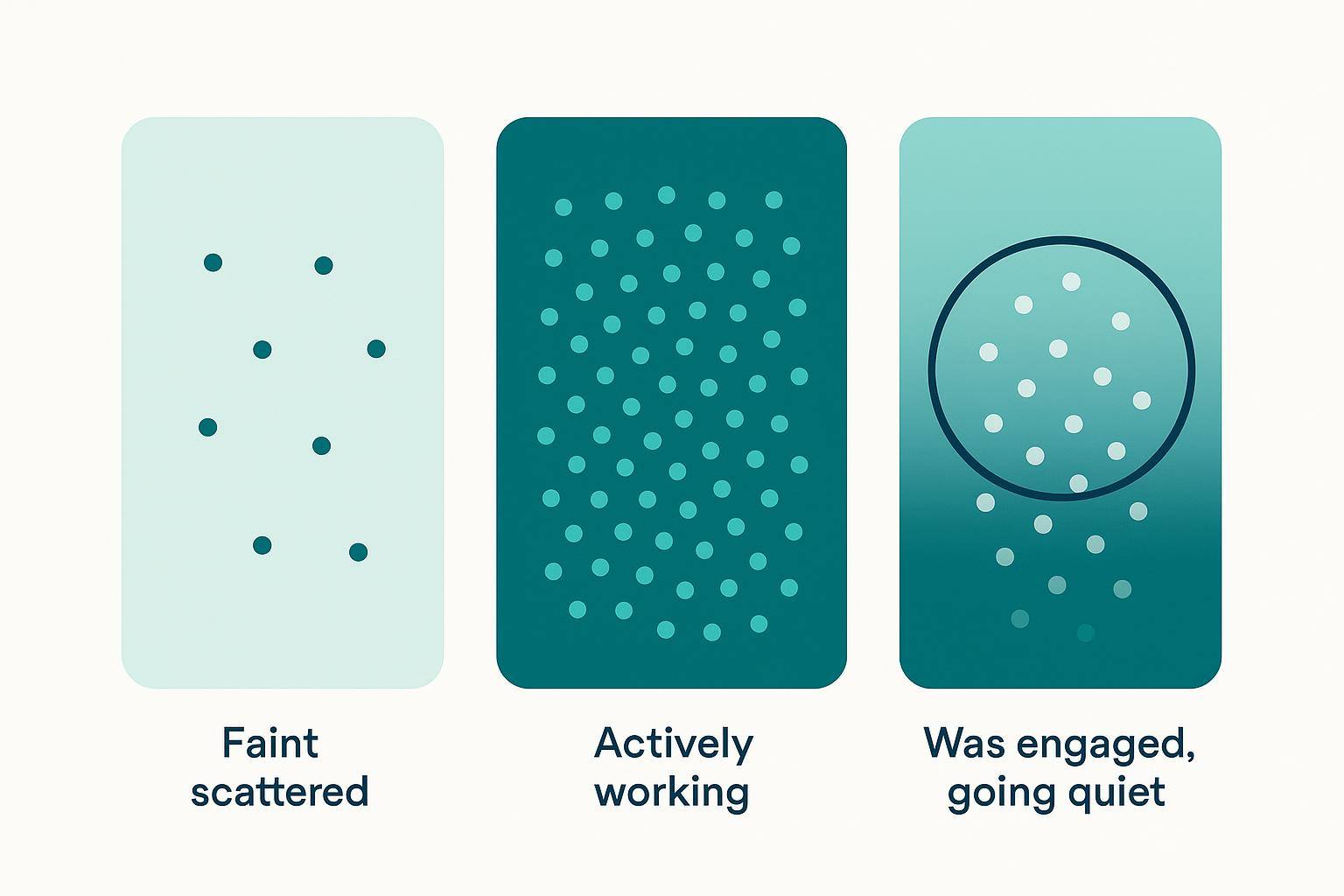
Follow Up Boss, like most CRMs, is built around two questions: who is new and what is due. New leads land in a view. Overdue tasks land in a view. Both are about things you scheduled or things that arrived. Neither is about a lead's rate of change.
"This person was hot and is cooling off" is not a field. It's a pattern across a contact's recent history — a cluster of activity followed by a gap — and no single column captures it. You'd have to open each record, read the timeline, and judge whether the silence is normal or new. Nobody does that for a whole database, so the going-quiet leads sit there looking fine until they're gone. If you've ever felt your CRM was great at organizing your database but blind to momentum, this is why.
How to spot a going-quiet lead by hand in Follow Up Boss
You don't need AI to start. Here's a manual pass that surfaces most of them, using tools already in Follow Up Boss. Run it once a week.
- Sort by last communication. In a list view, sort your active-stage contacts by "Last Activity" or last inbound/outbound date, oldest first. You're looking for people near the top who are not in an early stage — the ones who were moving and stopped.
- Build a "recently active, now quiet" smart list. Create a smart list that combines a stage filter (working / nurturing, not new and not closed) with an activity filter: some communication in the last 30 days, but nothing in the last 5–7. That intersection is your going-quiet queue.
- Read the last three touches, not just the date. A gap after a strong signal — a showing, a pre-approval question, a price reply — is urgent. A gap after a generic drip is not. Rank by the height of the drop, not the length of the silence.
- Work this list before your new leads. A warm lead cooling off is cheaper to save than a cold lead is to restart. Give the quiet queue the first hour of your day.
This works. It also has a ceiling: it's manual, it depends on you remembering to run it, and a stage-plus-date filter is a blunt proxy for "the behavior changed." It can't weigh a contact who went from ten touches a week to zero more heavily than one who went from two to zero. That weighting is exactly the gap a model can close — and it's where a smart-list approach hands off to a scored one. (If you want to push the manual version further, our guides on engaging cold leads and AI lead scoring in Follow Up Boss go deeper on the follow-up side.)
What Ace's going-quiet radar does
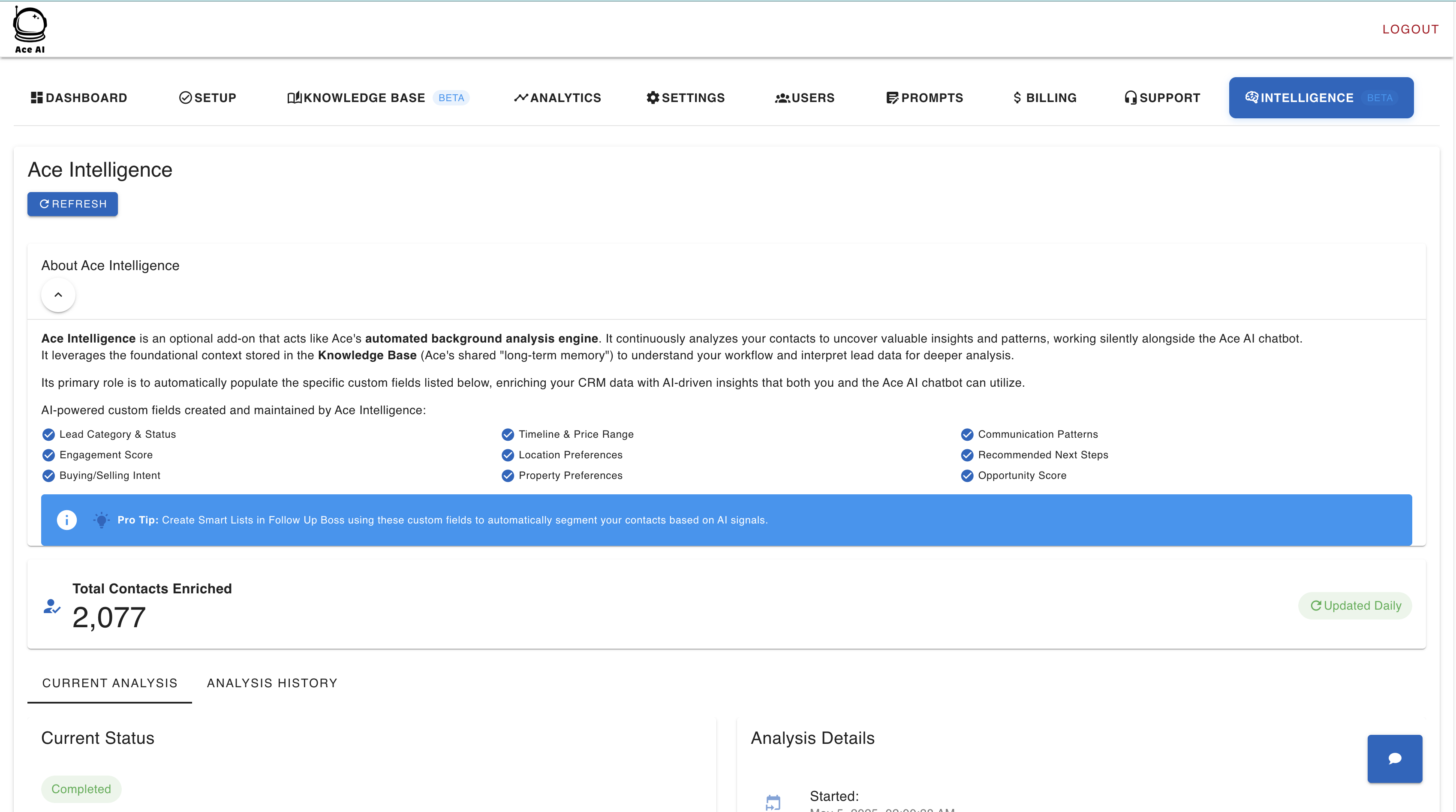
Ace runs the weighted version of the manual pass above, across your whole book, every day. It looks at each contact who is currently engaged — a real recent pattern of calls, texts, and emails, not a one-time click — and ranks how likely that engagement is to fall off, based on the shape of the recent activity rather than a single date field.
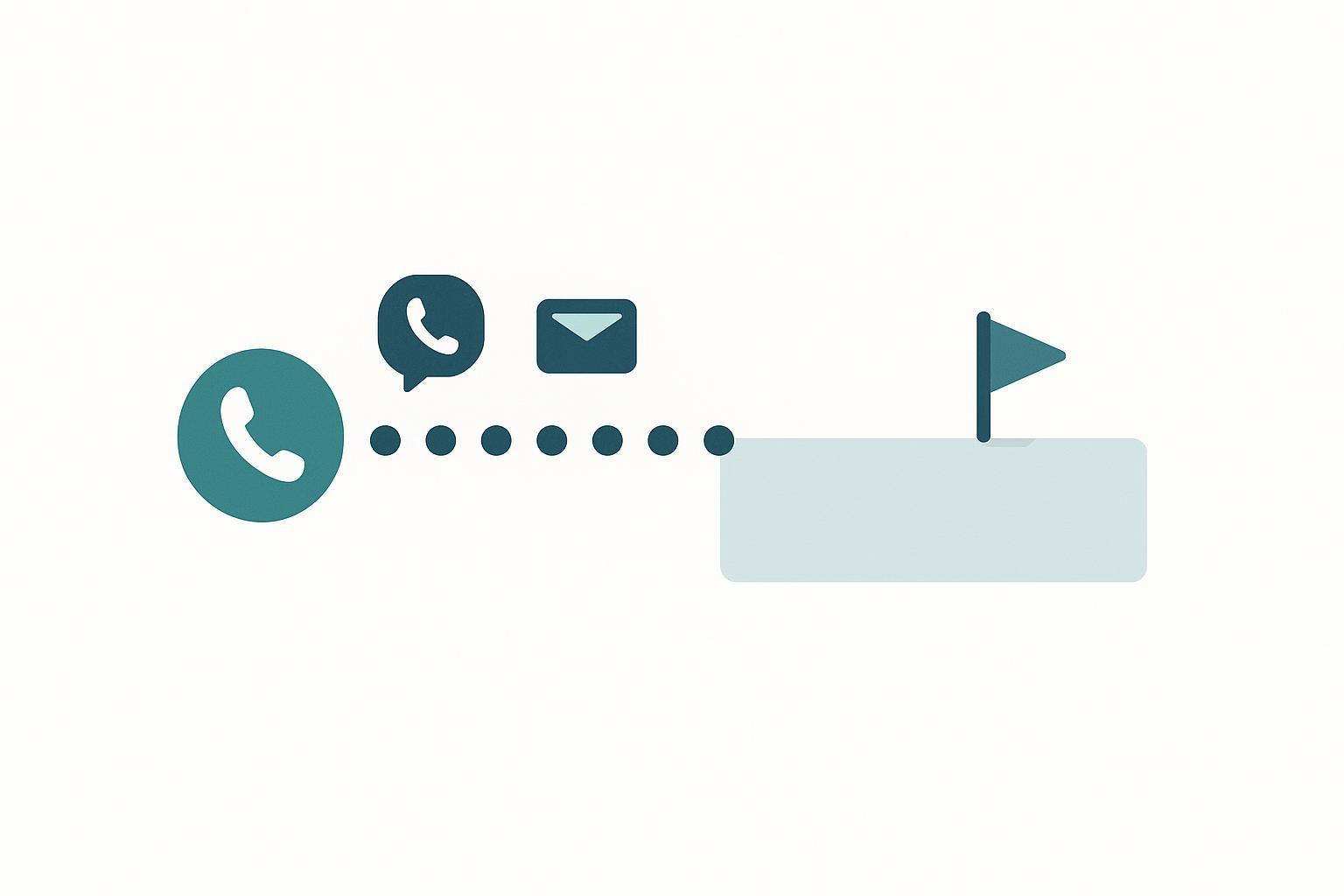
The output surfaces in two places. Team leads and admins see it as a ranked card inside the Pipeline view. Agents see the top few on their own list as a nudge in the Companion "NOW" queue, so the highest-risk person shows up next to everything else they're being asked to do that day. The same contact intelligence Ace already maintains — engagement, intent, recommended next step — is the raw material it ranks on.
Three limits worth stating plainly, because they change how you should use it:
- It's a ranker, not a probability. The score orders your engaged contacts from most to least likely to slip. It answers "who first," not "this person is 73% likely to leave." Ace labels it as a going-quiet risk estimate and never as an absolute percentage, on purpose — the number is trustworthy as an ordering and would be false as a probability.
- It can't see why. A lead can go quiet because they cooled, or because they quietly closed with someone else, or because life got busy for two weeks. The radar sees the silence, not the reason. It tells you where to look; you still have to make the call.
- It drafts — you send. When you act on a flagged lead, Ace can write the re-engagement text, email, or call script for you. Every one of those is a draft you review and send yourself; the going-quiet radar itself never messages or calls anyone. Autonomous sending exists only where an admin turns it on: Automations, a graduated Ace Autopilot playbook, or Home Almanac emails after the homeowner opts in. Keeping the last step with you is a deliberate line, not a missing feature (more on why below).
The radar is part of Trove, the account-wide intelligence layer, so it's available on Trove-enabled accounts rather than every free seat. If you're already ranking contacts with Ace Smart Lists, this is the momentum-aware companion to that stage-and-score view.
What to actually send when a lead goes quiet
Finding the lead is half of it. The re-engagement message is the other half, and the instinct most agents have — "just checking in!" — is the one to avoid, because it asks the lead to do the work of restarting the conversation. Give them a reason and an easy exit instead.
A pattern that holds up across text and email:
Hi [Name] — real quick, is [the thing they were last engaged on] still on your radar, or has the timing shifted? Totally fine either way — just want to make sure I'm sending you useful stuff and not noise. If it's on pause, tell me when to check back and I'll get out of your inbox until then.
Why it works: it references the specific signal (not a generic "following up"), it gives permission to say "not now," and it asks one easy question. The "tell me when to check back" line is the important one — a quiet lead often isn't a dead lead, just a mistimed one, and this turns a silence into a scheduled next touch. For a fuller set of channel-specific wording, our real estate SMS templates and the broader cold-to-closed nurture playbook both give you copy to adapt.
The line we don't cross — and why
It would be easy to promise that Ace just handles all of this: detects the quiet lead, writes the message, hits send. Some tools in this category do exactly that. For the going-quiet radar we don't, and it's worth being direct about the reason rather than hiding it.
Outbound messages and calls carry real compliance weight — consent, TCPA, fair housing — and an autonomous system that guesses wrong doesn't just waste a lead, it can create liability in your name. So by default Ace keeps a person on the last step. The radar surfaces the lead, ranks the risk, and drafts the outreach, with a fair housing and compliance scan on the draft. You send it. That's slower than fully automated, and we think it's the right kind of slow. Teams that do want sending without a click can turn on Automations or a graduated Ace Autopilot playbook; Autopilot starts as drafts for review. If your read is different, that's a fair place to push back — I'd genuinely want to hear the case for where the line should sit.
The going-quiet radar, then, isn't a magic retention button. It's a better answer to one specific, expensive question — which of my warm leads is about to slip, and who do I call first? — that your CRM's new-and-due views were never built to answer.
Try Follow Up Ace in your Follow Up Boss
Free to start, no sales call. Connect Follow Up Boss in one click and Ace works inside your CRM. See pricing and plans for what's included on each tier.
Get Started Free