CallRail Follow Up Boss Integration: Keep the Real Source
CallRail connects to Follow Up Boss through Zapier, Make or a webhook to the Follow Up Boss API. Three choices decide whether it works: which source name a call writes into Follow Up Boss, whether a call creates a new lead or is logged on an existing contact, and which CallRail event starts the sync.

A past client sees your Google ad, calls the number on it, and asks you to list her house. CallRail files that call under Google Ads. Follow Up Boss keeps her under whatever source she came in with years ago.
Both systems are doing what they were built to do. CallRail answers “which marketing made the phone ring.” Follow Up Boss answers “where did this person first come from,” and its help center says that when an inquiry matches an existing contact, “the original source of the lead will not be changed and the lead will not be reassigned to another agent” (How lead inquiries are handled). If you connect the two without knowing that, you will spend a month wondering why the reports disagree.
If you own lead intake and someone asked you to “get CallRail into Follow Up Boss,” this covers the three decisions that make or break it, a 20-minute test, and what it still can’t tell you.
How CallRail actually gets into Follow Up Boss
We could not find CallRail in Follow Up Boss’s own integrations directory, and teams that run the pair connect them through an automation layer: Zapier, Make, or a CallRail webhook pointed at the Follow Up Boss API. Zapier’s CallRail + Follow Up Boss page lists the pieces you’ll be working with. On the CallRail side, triggers include Phone Call Started, Phone Call Completed, Phone Call Marked as Spam and SMS Received. On the Follow Up Boss side, actions include New Inquiry or Website Event, Log Call, Create Contact Without Triggering Action Plans, and a Find a Contact search.
If you have never built one of these, our guide to connecting Zapier to Follow Up Boss covers the API key and the first Zap. If you’d rather skip the middle layer, the Follow Up Boss API guide covers sending CallRail’s webhook straight to the API.
One honest question before you build anything: do you need CallRail at all? Follow Up Boss’s own phone system lists “Track marketing campaigns with unique numbers” among its company-number features (FUB Phone). If one number per sign, mailer or portal is all you need, that may be enough. CallRail earns its place when you want what it records beyond the number: the keyword, campaign and landing page behind a call from your website.
Decision 1: which source name lands in Follow Up Boss
The default here is easy, and it is the problem. A Zap that writes “CallRail” into the Source field works on day one. It also means every phone lead your team ever gets sits in one bucket, whether it came from a yard sign, a Google ad or a postcard.
The source field is what everything downstream reads. Follow Up Boss assigns a new lead “based on the lead flow rules for that lead source,” and starts its action plan the same way (How lead inquiries are handled). Smart Lists filter on it. Every source report you will ever run groups by it. So send the marketing source, and keep CallRail as a tag.
CallRail’s call record carries the fields you need. Its API documentation lists source, campaign, keywords (paid sources only), tracking_phone_number, customer_phone_number, first_call, answered, duration and a recording link. A mapping that holds up:
| CallRail field | Where it goes in Follow Up Boss | Why |
|---|---|---|
| source (or your tracker’s name) | Source | Lead Flow routing and every source report read this |
| campaign | A tag, or the campaign on the event | Lets you split one source into ads or mailers without new sources |
| customer_phone_number | Phone | The most reliable field, unless the caller blocks caller ID |
| customer_name | Name, only if it looks like a person | CallRail reports it “as reported by Caller ID,” which is not always a name |
| recording, duration | The logged call, or a note | So the agent hears the call before calling back |
| (constant) | Tag: callrail | So you can always find what this integration touched |
Spell each source exactly the way your other lead sources already spell it. “Google Ads” from CallRail and “google ads” from a web form become two rows in your reports. The email parser guide has the same warning for emailed leads, and our lead routing guide covers setting up the Lead Flow row before the first call arrives.

Decision 2: new lead, or a call on someone you already know
Not every call to a tracking number is a new lead. Past clients, active buyers and your own lender all call. Each of those should land on the existing contact as a logged call, not as a fresh inquiry that starts an action plan.
It is tempting to branch on CallRail’s first_call field. Read its definition first: “Whether or not the call is the caller’s first call to this company” (CallRail API). That means first call to your CallRail account, not new to your database. A past client calling a tracking number for the first time is a first call to CallRail and a ten-year contact in Follow Up Boss.
So look the person up by phone in Follow Up Boss before you decide. That matters for a second reason. Follow Up Boss’s help center says it matches an incoming inquiry to an existing contact by “the same email address, OR the same first name + last name + phone number.” Its API reference words it more loosely, as de-duplication “based on their phone number or email address” (Follow Up Boss API: /events). A phone call has no email, and a caller-ID name often won’t match the name on file. If you want the match to be certain, find the contact first and attach the call to it directly.
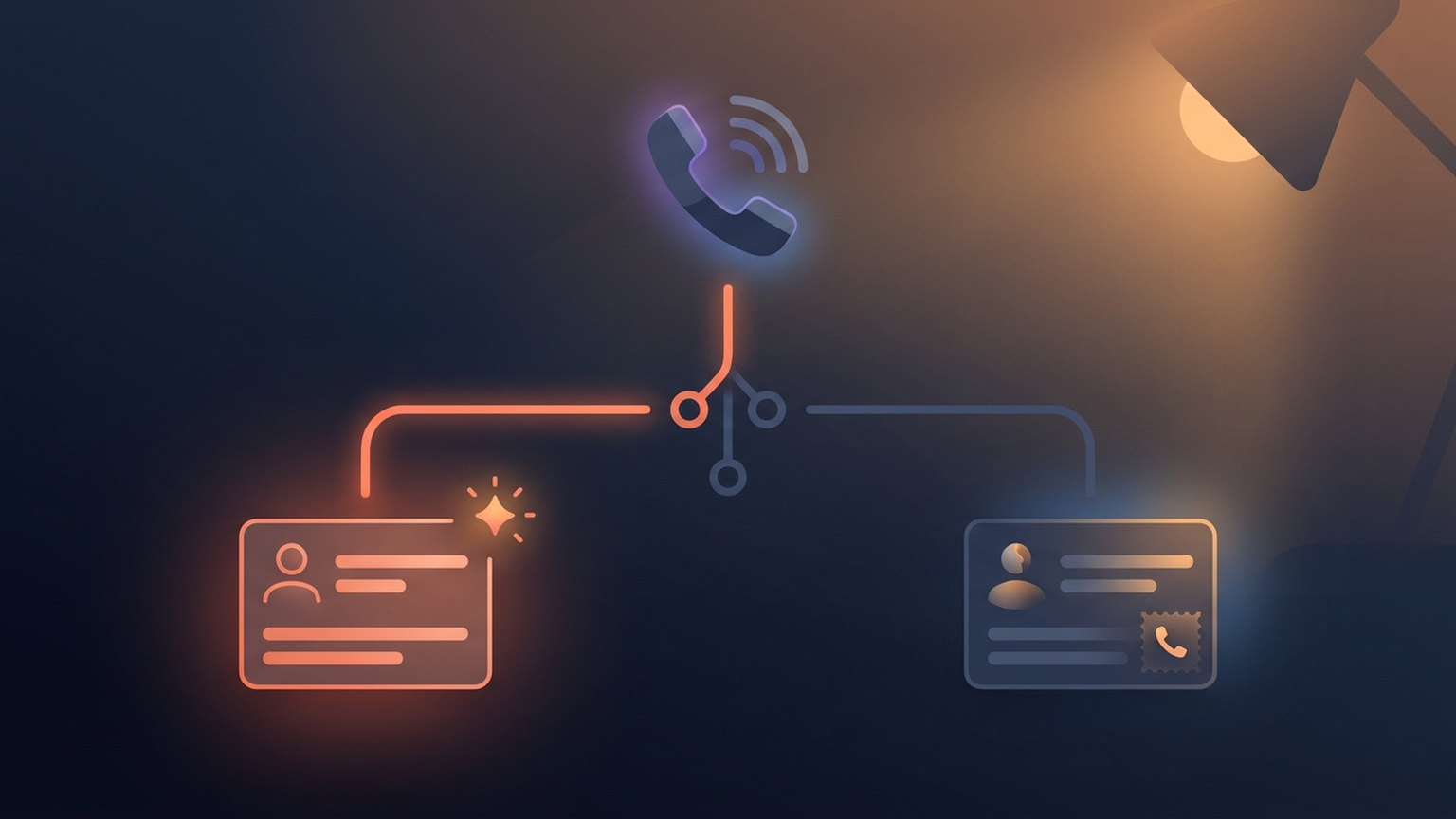
When a call really is new, the event type you send decides whether your follow-up starts. Follow Up Boss’s API reference lists Incoming Call as an event type, but its list of types that trigger action plans is Registration, Property Inquiry, Seller Inquiry and General Inquiry, plus Visited Open House. Incoming Call is not on it. The help center lists the same action-plan types and adds plain Inquiry. If your Lead Flow row has an action plan you expect to run on new phone leads, send a General Inquiry. If you would rather an agent decide after hearing the call, use Create Contact Without Triggering Action Plans and let the call log carry the context. Our action plans guide covers what that first plan should do.
Decision 3: which CallRail event starts the sync
Phone Call Completed sounds like the obvious trigger, because it carries everything: duration, the answered flag, the recording. It is also the slow one. CallRail’s documentation says its post-call webhook waits for the recording and transcription to attach and “has a maximum delay of 20 minutes after the hangup before it fires” (CallRail API). For a missed call from a new buyer, that is a long time for the lead to not exist in your CRM.
The fix is two steps instead of one. Use Phone Call Started (or CallRail’s pre-call webhook) to find or create the contact and alert the agent the moment the phone rings, with the number and source. Then use Phone Call Completed to log the call, the duration and the recording link on that same contact. The second step finds the contact the first one made, so you don’t create it twice.
Why bother? A study built with a large home-improvement retailer modeled the time lag between inquiry and sales contact as one of the things shaping how leads turned into appointments and sales (Smith, Gopalakrishna and Chatterjee, Journal of Marketing Research, 2006). It is not a real estate study, and it doesn’t give you a magic number of minutes. It does say the lag is worth managing.
Filters to put in front of Follow Up Boss
- Spam. Calls CallRail marks as spam should never become contacts. Zapier offers Phone Call Marked as Spam as its own trigger; use it to tag or remove anything that slipped through.
- Outbound calls. CallRail also records calls your team places. Those belong on an existing contact, if anywhere, never as a new lead.
- Very short unanswered calls. A two-second hang-up with no voicemail is noise for some teams and a lead for others. Decide once, write the rule into the Zap, and tag what you skip so you can audit it.
If duplicates have already piled up from an earlier setup, clean them before you switch the new one on. Our guide to cleaning up Follow Up Boss data walks through merging them.
A 20-minute test before you turn it on
- Pick one tracking number and point the integration at it alone.
- Call it from a phone that is not in Follow Up Boss. Check that a new contact appears with the marketing source (not “CallRail”), the
callrailtag, the right agent and the action plan you expected. - Call it again from the same phone. Check that the second call lands on the same contact as a logged call, with no second contact and no second action plan.
- Call it from a phone that already belongs to a contact. Check that the call is logged on that contact and that the contact’s original source didn’t change.
- Let one call ring out unanswered, then check how soon the contact appeared. It should arrive while the phone is ringing or just after, not once CallRail’s post-call data lands.
- Delete or tag the test contacts so they stay out of everyone’s queue and your reports.
If a step fails, the integration troubleshooting guide covers the usual Zapier and API causes.
What this setup still can’t tell you
Here is the limit. Even wired perfectly, CallRail and Follow Up Boss will report different numbers for the same campaign, and both will be right. CallRail counts calls a campaign produced, including calls from people you already knew. Follow Up Boss counts people by where they first came from. Neither one counts closings.
And closings are the number that matters. A source can ring the phone all month and never produce a deal. Our guide to real estate lead source ROI covers how to compare sources on cost per closing, and why you should wait out your normal lead-to-close lag before you judge a new one.
Where Ace Trove fits
Ace Trove, our account-wide add-on for Follow Up Boss teams, has a Source ROI card in its Pipeline view. It ties each won deal back to the lead source on the deal’s primary contact and shows won deals and GCI by source, with the dollar figures labeled as estimates. That card is only as specific as your source names. If every phone lead says “CallRail,” the best it can tell you is that phone calls paid. If they say “Google Ads” and “Yard Sign,” it can tell you which one did.
What it doesn’t do: it has no column for what you spent on each source, and it doesn’t read CallRail. It reads what is in Follow Up Boss, which is why Decision 1 matters more than any setting in Ace. You can see the rest of what Trove adds on the Ace Trove page.
Frequently asked questions
Does CallRail integrate directly with Follow Up Boss?
Not as a one-click connection that we could find in Follow Up Boss’s integrations directory. Teams connect them through Zapier, Make, or a CallRail webhook sent to the Follow Up Boss API, which lets you choose the source name, the event type and the agent assignment yourself.
Why don’t CallRail calls start my Follow Up Boss action plan?
Usually because the call arrives as an event type that doesn’t trigger one. Follow Up Boss starts action plans for Registration, Property Inquiry, Seller Inquiry, General Inquiry and Visited Open House events. An Incoming Call event, or a call logged on an existing contact, won’t start the new-lead plan.
Why does Follow Up Boss show a different source than CallRail for the same caller?
When an inquiry matches an existing contact, Follow Up Boss keeps that contact’s original source and agent. CallRail credits the call to whichever tracking number was dialed. Both are correct; they answer different questions.
Check the rest of your lead intake
The free health check grades your Follow Up Boss setup, lead flows and action plans included, so you can see which other sources deserve a test like this one.
Run the health check