Free Follow Up Boss Accounts Now See Real Ace Numbers
Free Follow Up Boss accounts on Ace now see their own real, aggregate numbers on locked dashboard tiles — hot leads, at-risk contacts, expected GCI (est.) — from the same model sweep that scores Ace Trove accounts, refreshed within 8 days. No credit card, no per-contact detail — just your account signal in place of generic upgrade copy.

What changed, and why it matters
Every Follow Up Boss account on Ace — free or paid — gets scored by the same model sweep for win probability, churn risk, and expected commission. Every connected eligible account is scheduled nightly for Ace Win Score and Ace Churn Risk, whether free or on a paid seat. Trove alone unlocks five advanced fields and additional batched refreshes after meaningful activity. Freshness windows control whether a cached preview is shown; they are not the scoring schedule. Until recently, that sweep only paid off for accounts with Ace Trove: everyone else's locked dashboard tiles showed the same generic marketing copy regardless of what Ace had actually found in their book of business. A free account with 40 genuinely hot leads sitting in it and a free account with none saw the same static upgrade description on every locked view, regardless of what was actually true about their book.
That gap is closed. If your account is on the free or per-seat plan (not yet on Trove), the locked tiles across your admin dashboard now render your account's own aggregate numbers from that same sweep, the same way an Ace Trove account's live dashboard does, just narrowed to counts and totals instead of the full contact-level views. It's a small change with an honest logic behind it: "upgrade to see more" is generic friction that could describe any SaaS product; "you have real hot leads and real expected GCI (est.) sitting in your pipeline right now — upgrade to act on them" is a genuinely different pitch, and it's true today, computed from your account, not a demo.
Where you'll actually see it
The real-numbers strip shows up on the admin dashboard. The Overview tile that used to carry only marketing copy now leads with a line in this shape — your own numbers, not these — "Ace scored 3,214 contacts last night — 21 hot (Win 80+), $412k expected GCI (est.)" whenever your account has something real to say. The same aggregate strip appears inside individual locked panels across the dashboard — pipeline, team, accountability, and automations views that are normally Trove-gated all show the same real chips instead of a plain padlock.
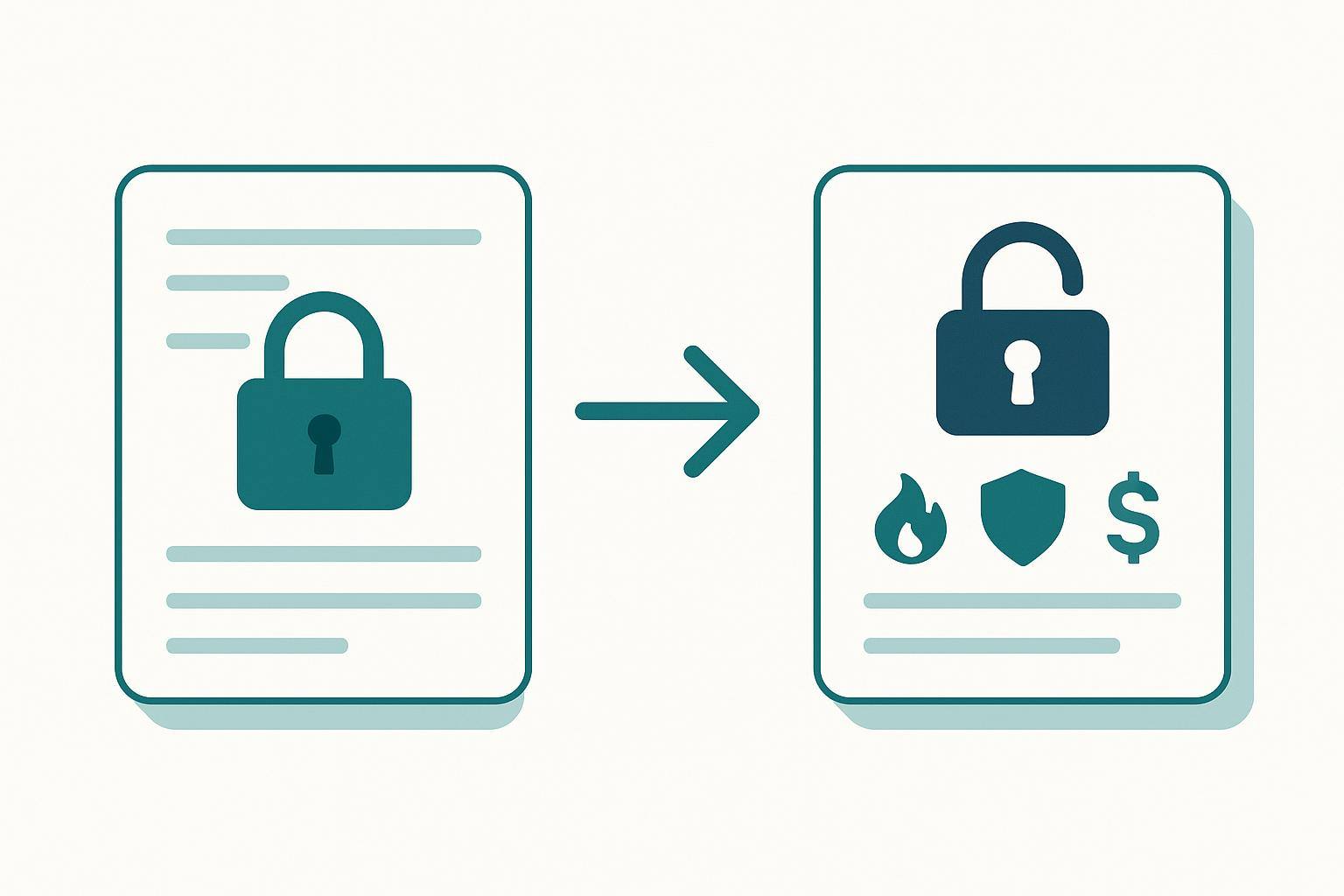
Every locked surface now renders the account's own real signal instead of static marketing copy.
What the numbers actually show — and what they never show
The teaser is deliberately narrow. It shows counts and one dollar total, never a name, an address, or a per-contact detail:
- Scored contacts — how many of your contacts the sweep actually scored
- Hot contacts — how many scored Win 80+ right now
- Expected GCI (est.) — a modeled dollar total across your scored pipeline, always labeled an estimate
- At-risk count — contacts the model flags as trending toward loss
What it will never show, by design: a contact's name, id, phone number, or any individual score. The moment an account upgrades to Ace Trove, this same aggregate strip stops rendering at all — not because it goes away, but because a Trove account gets the real, full dashboard directly, and showing a summary strip on top of the real thing would just be noise. Free accounts get the summary; Trove accounts get the substance it was always pointing at.
How fresh is "real"? Three checks before a number shows
A stale number is worse than no number — quoting last month's hot-lead count as if it were last night's would undercut the entire point. So the teaser only renders when three things are true: the account actually has a computed rollup from the sweep, at least one of the figures in it is non-zero (a row of zeros isn't a pitch, it's an apology), and the rollup is still inside its freshness window. A preview has a bounded freshness window and shows only a computed rollup. All eligible connected accounts are scheduled nightly, but that schedule does not make a cached preview current or prove FUB delivery. Miss any one of the three checks and the surface falls back to the same generic copy it always had — an honest failure mode, not a broken one.
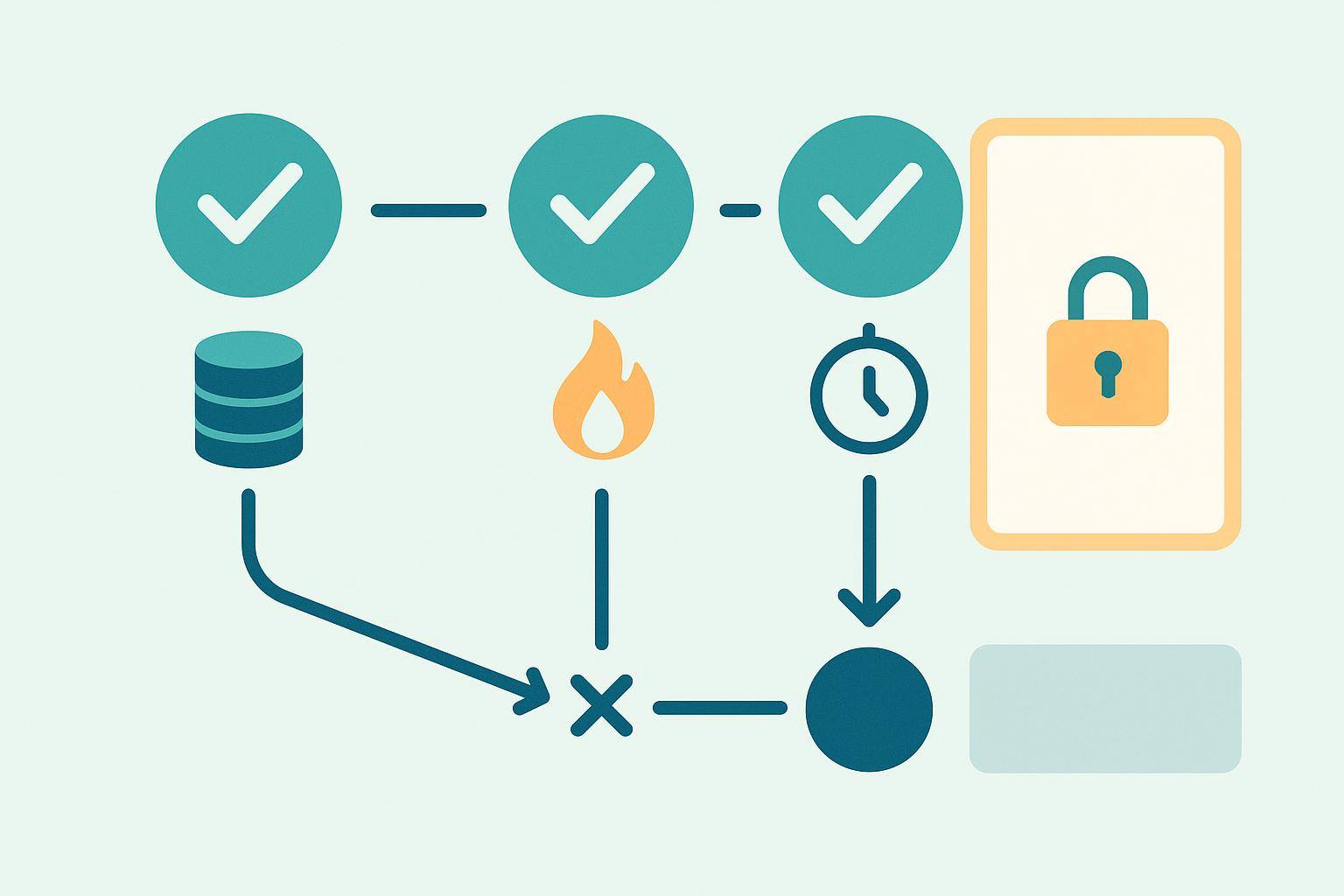
All three checks have to pass — data exists, at least one figure is non-zero, and the rollup is still fresh — or the surface quietly reverts to generic copy.
What changes when you upgrade to Ace Trove
The teaser is a preview of a real thing, not a separate feature. Everything it hints at — the hot-lead list itself, the at-risk contacts, the seller and churn signals — becomes a full, explorable view the moment an account turns on Ace Trove, down to the individual contact, with the evidence behind each score and a next action attached. If you've been staring at a locked tile with a real number on it, that number is the honest floor of what's waiting on the other side, not a marketing estimate designed to look bigger than reality.
You can also see the shape of this same "free tier gets something real, paid tier gets the full picture" pattern elsewhere in the product — Ace Smart Lists ships nine free and six Trove-gated, for fifteen total, ranked by the same Win Score the teaser quotes when scoring is available. The teaser and Smart Lists aren't the same feature, but they're built on the same principle: show a free account something true about their own book before asking them to pay for more of it.
If your account is still on the free plan, the fastest way to see this is to open your own dashboard — if the sweep has scored your contacts and found something real, the locked tiles will already be showing it. See Ace Trove pricing by database size for what turning it on actually costs, or read more about how Follow Up Boss and Ace fit together if you're new to the stack.
Try Follow Up Ace in your Follow Up Boss
Free to start, no sales call. Connect Follow Up Boss in one click and Ace works inside your CRM.
Get Started Free