AI Follow-Up Automation: How to Audit What It Really Did
Judge an AI follow-up tool by what it declined to do, not by how many messages it sent. Ask whether the report separates drafted from sent, names the reason it skipped each contact, shows the evidence behind each message, and says plainly which outcomes it cannot prove.

Your agent calls a lead on Tuesday. On Wednesday, an automation emails the same person as if the call never happened.
That email still counts as a delivered touch. Sends are easy to count; collisions are not. Which is why the send number is close to useless for deciding whether an AI follow-up tool is safe to leave running — and why the report worth reading is the one about everything it didn't do.
Every tool in this category now ships a dashboard. Here is how to read one: six questions worth asking, what a straight answer sounds like, and a twenty-minute audit.
Activity is easy to report. Judgment is not.
A send count measures how busy the software was. What you need is whether its judgment is any good — and judgment lives in the decisions it made against acting. The contact it left alone because an agent was mid-conversation. The one under contract. The one it refused to write to because it had nothing specific to say.
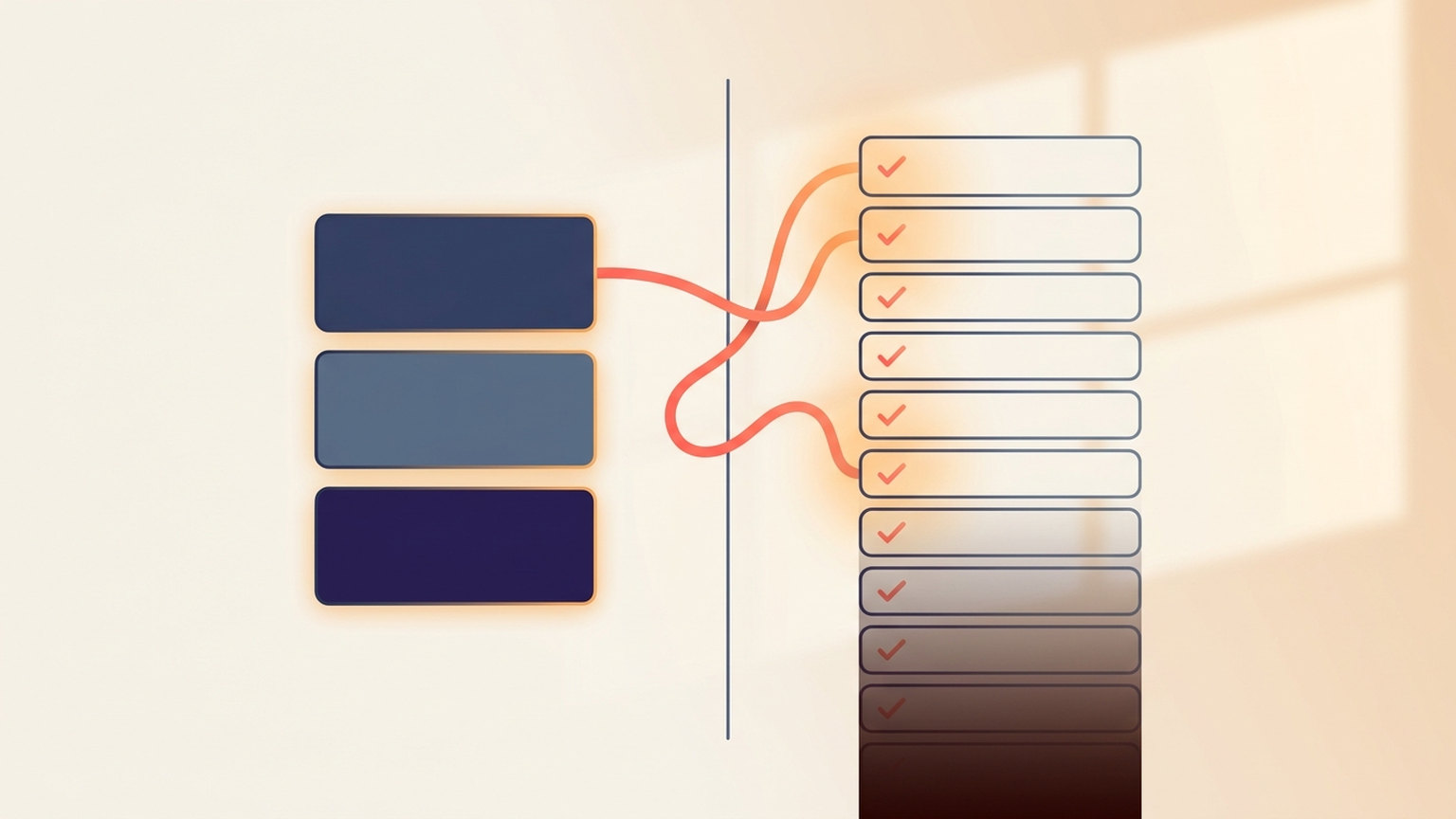
People who study human–automation teams describe two failure modes at opposite ends of one spectrum. At one end, opposition: refusing to use a system that is actually helping. At the other, loafing — complacency, where you stop checking. A 2022 review in Patterns puts the healthy middle at "algorithmic vigilance," and argues transparency is not only about explaining the algorithm: communicating performance and confidence may do more practical good than an explanation does (Zerilli, Bhatt and Weller, 2022).
A separate experiment in Public Administration Review pitted two components of transparency against each other: being able to access the algorithm, and having its decision explained. Explainability had the more pronounced effect on perceived trustworthiness, though the authors report the effects were not robust across decision contexts (Grimmelikhuijsen, 2023). Being handed the machinery is not the same as being told why.
Before anyone over-applies this: the first is a review of the human–AI teaming literature, the second a controlled experiment on public-administration decisions. Neither is about real estate follow-up. They tell you which questions matter. They do not tell you what your results will be.
Six questions to ask any AI that touches your contacts
Ask these of whatever you are running — ours, a competitor's, or an action plan built three years ago that nobody has opened since. The weak answers are rarely dishonest. They are what a system reports when nobody designed it to be checked.
| Ask | A weak answer | A straight answer |
|---|---|---|
| 1. What did you decide not to do, and why? | "Skipped: 1,240" | A named reason per contact, from a fixed list you can count |
| 2. Is this a draft or a send? | "Touches: 318" | Drafted, sent and queued reported as separate things, recorded when the action happened |
| 3. What stops you stepping on an agent? | "We use smart timing" | A stated window of agent activity that blocks outreach, with no score allowed to override it |
| 4. What did this specific message know? | "Personalized with AI" | The evidence available when it was written, listed, with dates and sources |
| 5. What can this number not prove? | "Appointments booked: 12" | The caveat printed next to the metric, and a blank where the data does not exist |
| 6. Can I turn it down without turning it off? | An on/off switch | Per-workflow review you can re-enable for one workflow while others keep running |
Question 6 is the one teams skip and later regret. An all-or-nothing switch means the only answer to a message you did not like is to shut everything down — which is how good automations die in month two. Same tension as in automation versus the personal touch: the fix is rarely less automation, it is a smaller dial.
What a straight answer looks like
Since this is our blog, here is our own homework. Autopilot is the part of Ace Trove that works the contacts nobody has time for: it picks a contact, writes a grounded message as the assigned agent, and can carry a verified reply forward until a person should take over. Once an admin graduates a workflow out of review, it sends without per-message approval — which is the point of graduating it, and precisely why the reporting has to hold up.

It collects every reason it said no. Selection works from a closed list of twenty-seven named refusals and evaluates all of them rather than stopping at the first, so fixing one reason does not reveal a second on the retry. Each sweep tallies those reasons in its run log, which turns "why is this thing not touching anybody?" into a countable answer instead of a paragraph. At dispatch the checks run again, and there one refusal is enough to stop the send.
An agent's own momentum wins, always. If a human called, texted or emailed the contact in the last seven days, Autopilot stays out. No score, tier or estimated commission overrides it. The Tuesday-call-Wednesday-email collision is the failure mode that would end the feature, so it is a hard refusal, not a weighting.
A contact under contract is never worked. Also hard, and no shipped workflow may list that lifecycle state among the ones it targets.
Drafted is never reported as sent. Every touch records what it actually was — sent, drafted, or a command a partner system accepted — at the moment it happened; the mode is never inferred later. Accounts start in review mode, so the whole loop runs and the result lands in the agent's approval queue, not the lead's inbox. An admin graduates one workflow at a time, after reading what it would have said, and a workflow can be stricter than its account but never looser.
The selection reason is written for a person. The Activity view says in plain language what put a contact on the list — the workflow that matched, that no agent outreach was recorded inside the protection window, that contact-specific context was available — plus the sources readable at composition and, for a market figure, its date and source link.
Disclosure is not a setting. Automatic email carries "Sent automatically by Ace, an AI assistant." Automatic SMS carries "Sent by Ace, an AI assistant." and keeps its opt-out notice. Neither is configurable per workflow. Whether disclosure is legally required depends on your channel and your state — our AI compliance guide covers what to check — but we would rather not decide when honesty is optional.
The twenty-minute audit
Run this against any tool, including one you have trusted for a year. You need the last thirty days and a pot of coffee.
- Pull the list of contacts it touched. Pick ten at random rather than the ten it shows you.
- Open each one in your CRM and look at the seven days before the automated touch. Any human call, text or email in that window is a collision. One in ten is a problem; two is a stand-down.
- Check the deal state on the same ten. Anyone under contract, closed or reassigned should not have been contacted at all.
- Read three of the actual messages — the sent copies, not the templates. What fact in each could only have come from that contact's record? If the answer is "nothing," you are running a drip with better grammar, and automation fatigue is what your database is learning.
- Find the skip list. If the tool cannot produce one, that is the finding. If it can, sample five and confirm each stated reason is true in the CRM.
- Check who is in scope. Lenders, recruiters, vendors and the title rep sit in the same database as your buyers. If your automation is writing to them, the problem is upstream of the AI — start with not everyone in your database is a lead.
- Write down one number you cannot independently verify. That is the one to stop quoting in team meetings.
Step 7 catches more than the other six combined — the same discipline as auditing a CRM dashboard, applied to a tool that acts instead of just counting.
What our own report will not tell you
Five limits, stated here because a tool that hides its limits is how you end up trusting it more than it has earned.
- A recorded handoff is not an accepted one. The qualified-handoff count means a conversation asked for a human. It does not prove an agent picked it up — which the metric's own definition says, on that screen.
- Confirmed appointments are not linked back to Autopilot. We can see appointment receipts and we can see Autopilot's work, but we cannot currently tie one to the other — so that metric reads as not tracked rather than showing a flattering number we cannot stand behind.
- An alert that was sent is not an alert that was read. A recorded notification proves it left; agent receipt is a different fact and we do not report it as the same one.
- The refusal tally is not on the dashboard. It lives in each sweep's run log; the Activity view answers the narrower question of why a contact was selected. Against our own question 1 that is a partial answer, and worth saying before we send anyone off to demand a full one elsewhere.
- The activity view is a bounded window, not a census. It shows recent records, not a complete account-wide delivery history — and where retention or attribution limits may hide records, it says the history is incomplete rather than quietly reporting a smaller total.
None of that is modesty. It is the difference between a report you can take into a team meeting and one that makes you look careless the first time somebody checks it.
Frequently asked questions
What should I look at first in an AI follow-up report?
The refusals. A list of contacts the tool declined to touch, with a named reason for each, tells you more about its judgment in thirty seconds than a month of send counts. No such list is itself an answer about how much oversight it was built for.
Does a high send count mean an automation is working?
It means it was busy. Sends are trivial to count; the things that cost you a client — messaging someone your agent is already talking to, writing to a contact under contract, contacting someone who opted out — are decisions not to send, which no send total shows.
What is the difference between a drafted message and a sent one in an automation report?
A draft was written and queued for a person to approve. A send left the building. A report that merges the two overstates what the software did on its own, and you cannot audit what you cannot separate. Ask whether the distinction is recorded at the moment of the action or inferred later.
Do AI-written messages to leads have to say they are AI?
Requirements vary by channel and jurisdiction, and this is not legal advice — check your own state and your brokerage's policy. As a product choice, every message Autopilot sends automatically carries a line saying it came from an AI assistant, not configurable per workflow.
The one thing worth doing today
Open whatever automation is already running and answer question 1: what did it decide not to do yesterday, and why. A quick answer means a tool built to be supervised. No answer at all means one asking for trust it has not shown you how to check — and the receipts matter more than what the vendor calls it (chatbot, assistant or agent).
What would it take for you to leave an AI running against your own database unsupervised for a week? Whatever that answer is, it is your audit spec.
Read a week of drafts before you graduate anything
Every Autopilot workflow starts in review mode: the full loop runs and the message lands in the agent's queue, not the lead's inbox. Autopilot is included with Trove, and it stays off until an admin switches on a single workflow — nothing runs on connect. Ace itself is free to start inside Follow Up Boss.
Get Started Free