The Lifecycle Engine: no lead left behind
Every contact in your Follow Up Boss database now has a derived state — New, Working, Nurture, Resurfacing, In Transaction, Past Client, or Excluded — and it's free on every Ace account. A contact who's gone quiet and just shows a real signal (a score jump, a hot-tier move, a broken dormancy pattern) is tagged Resurfacing and jumps back to the top of your queue instead of staying buried under new leads. Admins get a funnel band on the dashboard showing the flow between states and where it's leaking. Alongside it, two other things shipped this week worth knowing about: a major update to the Transaction Manager (phases, gates, a grounded question box per deal), and a Recruiting board inside Back Office.
The problem: a database isn't one pile, it's several different jobs wearing the same list view
Open your Follow Up Boss "People" tab and you'll see one long list. But the leads in it aren't doing one job. A brand-new lead assigned an hour ago needs speed. A contact you closed on eighteen months ago needs a different kind of attention — a referral ask, an anniversary note — not a follow-up call. A contact under contract right now is deal work, not lead work. And somewhere in the middle of your "cold" bucket is a contact who opened three listings last night and hasn't heard from you in six weeks — the single highest-leverage person in your whole database this morning, sitting exactly where a stale lead sits.
Most CRMs, and most AI layered on top of them, treat that list as one undifferentiated pile ranked by a single score. A quiet contact who just lit up gets the same treatment as a quiet contact who's been dead for a year, because nothing tells the two apart.
What we built: a state for every contact, derived from what's actually true
The Lifecycle Engine looks at what Ace already knows about a contact — activity, stage, deal status, and a small set of fresh-signal detectors — and derives exactly one state:
| State | What it means |
|---|---|
| New | Assigned, no first touch yet — a speed-to-lead clock. |
| Working | Real activity in the last 30 days. |
| Nurture | Relevant, but no active momentum. The honest default. |
| Resurfacing | Was quiet, just showed a real signal — the one to check first. |
| In Transaction | An open deal. A different job entirely. |
| Past Client (sphere) | A closed, won deal — referral/anniversary territory. |
| Excluded | Lender, vendor, other agent, DNC — never shown as a lead. |
Nobody files a contact into a state by hand. Ace derives it from Follow Up Boss and its own activity record, and when it doesn't have enough to go on, the honest default is Nurture — never an invented state. Correcting reality means fixing it in Follow Up Boss, not relabeling it in Ace.
Resurfacing: the part that actually changes your morning
This is the headline. A contact who's gone quiet and then does something real — their engagement score jumps, they cross into a hot tier, or they break a documented dormancy pattern (opening a message, replying, browsing listings after weeks of nothing) — gets tagged Resurfacing and moves to the top of the agent's queue, above new leads. The card names the exact signal and the evidence behind it: which score moved and by how much, which tier they crossed into, or what pattern broke. The tag isn't permanent — it fades after about two weeks if nothing further happens, so it always reflects something genuinely recent.
The point of the whole state is to jump the queue. A contact who quietly re-engaged and gets buried three pages deep in your task list is exactly the leak this is built to close.
The admin view: a funnel, not a tile grid
The admin dashboard's top row is now a Lifecycle Funnel band — where every contact sits right now, the flow between states over the last 7 and 30 days, and three leak indicators: assigned leads never first-touched, fresh signals nobody acted on, and conversations that never became deals. Every leak verdict ships the exact threshold that produced it, and a state with too little data to judge honestly says so rather than pretending to a clean bill of health. Nothing on the dashboard was deleted to make room for it — Pipeline, Command Center, Book of Business and the rest are still there; they now read as views onto the flow instead of unrelated tiles.
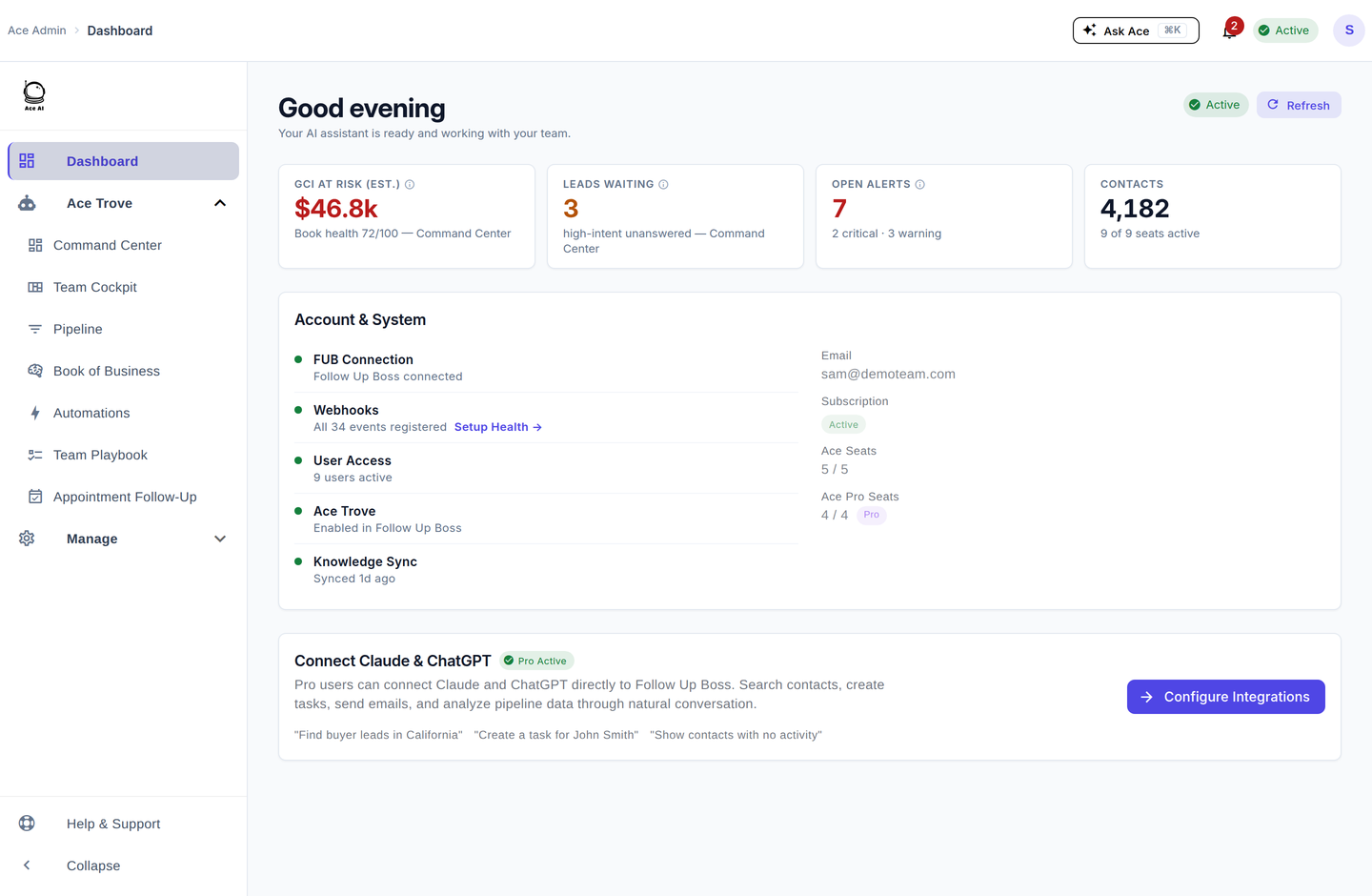
The Ace admin dashboard — the Lifecycle Funnel band now sits at the top of it, directly under the KPI row.
There's also a small, honest number on that band worth naming precisely: it counts Follow Up Boss records Ace has written in the last 30 days — specifically, successful custom-field updates. It is deliberately not called an engagement or adoption score. It's one narrow, real thing, labeled as exactly that.
Free on every account
The states, the why-line on every card, and the Resurfacing band are on every Ace account — free tier included. It costs nothing beyond what Ace already computes from your Follow Up Boss activity, so there's no reason a free seat should see a worse-organized queue than a paid one. Ace Trove adds ranking depth on top: dollar-sizing a resurfacing contact's likely deal value and win probability, and the dollar estimates on the admin funnel. Free tells you where everyone is; Trove tells you who to work first and roughly what it's worth.
Shipped alongside it: Transaction Manager v2 and Recruiting
Two more pieces landed in the same week, both worth a mention here even though they're a different part of the story than the queue.
Transaction Manager — the tool that turns an open deal into a working room — got a substantial update. Checklists now sit inside phases (Pre-offer through Post-Close, plus On Hold and Fell Through), each with a gate your team lead sets: advisory (a heads-up), attested (crossable with a logged reason), or blocking (genuinely can't move forward until requirements clear — and every blocking gate has to state the real consequence it protects, so a reason always exists when you're stopped). You can now attach a small evidence document directly to an item, not just a link out. And there's a new box where you can ask Ace a grounded question about one specific transaction — the answer cites exactly where it came from, and it can never change anything in the room. One thing worth knowing if you use it today: as of this update, the agent-facing My Transactions tool now requires Ace Trove, the same as the admin board always has.
Back Office — the commissions and cap-tracking surface — added a Recruiting tab: a lightweight pipeline over contacts Ace already knows are agents (not a new lead source), free for up to 15 active candidates, with Ace Trove adding outreach drafts you review before sending. Retention, the tab that flags your own team members trending toward the door, now has a weekly action queue with real talking points for a stay conversation, and an admin-only digest that never reaches the flagged agent.
Getting a new account to this point faster: the onboarding wizard
None of this matters if a new account takes a week of manual setup to reach. Alongside the Lifecycle Engine, a guided onboarding wizard shipped: it reads what it can from your Follow Up Boss configuration (and your own website, if you have one) and shows you a "we set up N of M for you" reveal — every inference labeled as read-off-the-record or a guess, every guess editable, nothing published until you approve it. It asks only two or three questions nothing could infer, and if someone else runs your team's day-to-day, you can hand them a scoped, time-limited link to review the setup without giving them an admin login.
How to see it today
The queue changes are already live in your Companion — open your Now/Next queue and look for the state chip on each card, and the Resurfacing band if anything's fired recently. Admins can find the funnel band at the top of the dashboard. Transaction Manager and Recruiting live inside Back Office (Ace Trove). None of this needs a setup step on an existing account — it's derived from data Ace already has.
For the deeper how-to on each piece: Your Queue: How Ace Sorts Your Day, The Lifecycle Funnel on Your Dashboard, Your Transactions in Ace, and The Recruiting Pipeline and Retention Check-Ins.
See where your own database is leaking
Free to start, no sales call. Connect Follow Up Boss and Ace derives your first Lifecycle read in minutes.
Get Started Free