
Troubleshooting: Common Issues and Fixes
Updated July 3, 2026
"Connect Follow Up Boss" Appears Every Login
What's happening: Ace uses a short-lived authentication token to connect to your Follow Up Boss account. When this token expires (typically after 1–2 hours of inactivity), you'll see the Connect screen when you open the widget.
Fix: Click the Connect Follow Up Boss button. It authorizes in a few seconds — no password entry required. You're returned directly to Ace chat.
This is a known limitation we're actively improving. A fix to auto-refresh the token before it expires is in progress.
Ace Doesn't Know About a Contact
Possible causes:
- The contact exists in FUB but was added very recently (sync can take a few minutes)
- Your FUB OAuth connection expired — reconnect using the steps above
- The contact is in a different FUB account than the one connected to Ace
Try: Disconnect and reconnect FUB OAuth from the admin dashboard. If the contact still doesn't appear, contact support with the contact name and FUB contact ID.
Ace Gives Wrong or Outdated Information
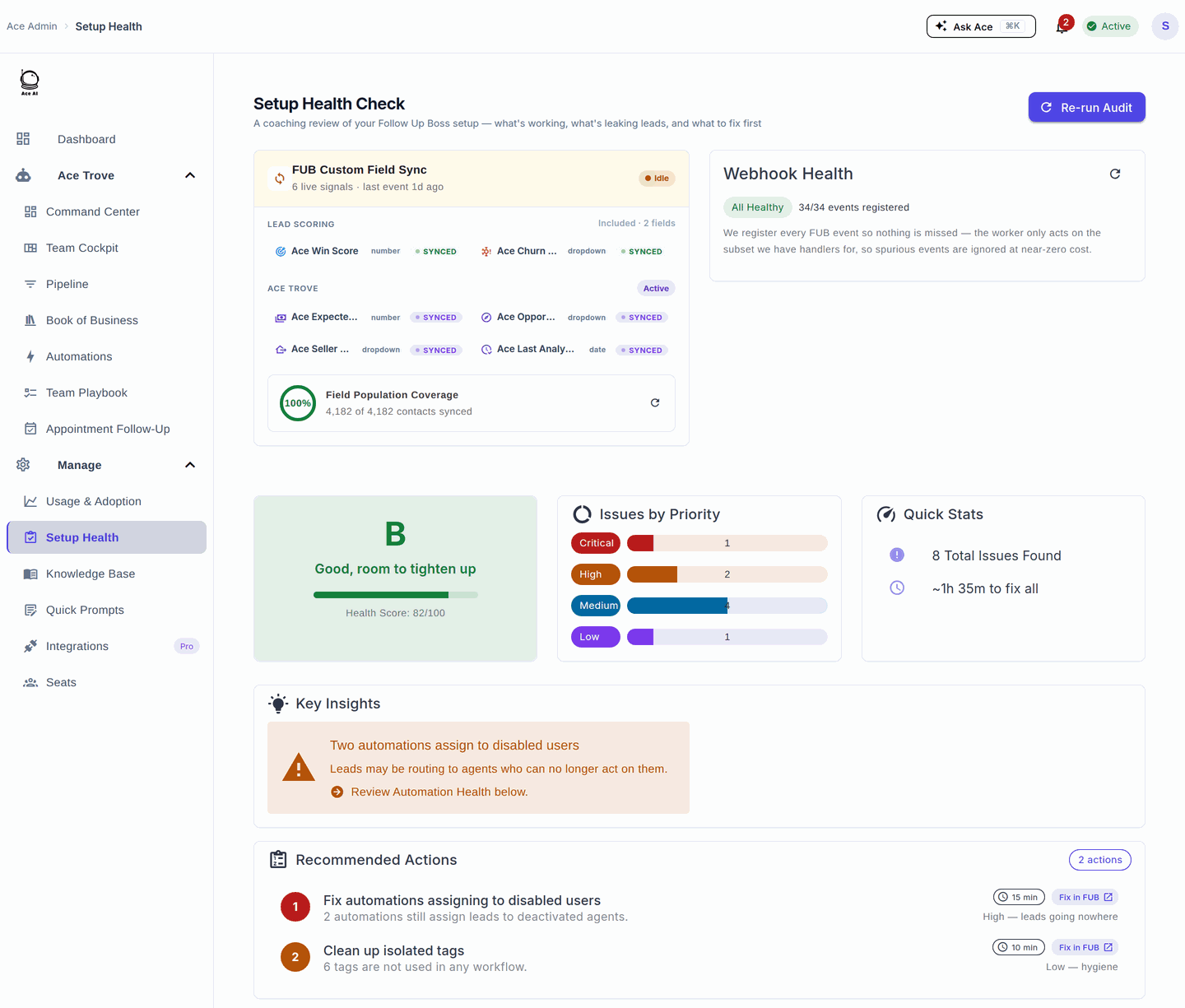
What's happening: Ace pulls live data from FUB, but the knowledge base (KB) that informs Ace's context may not have rebuilt yet after you made changes.
Fix: Ask your admin to trigger a KB rebuild from the admin dashboard. Rebuilds typically complete in 5–15 minutes.
If information about a specific contact is wrong, verify the data in FUB directly — Ace reflects what FUB contains.
Widget Doesn't Load / Shows a Blank Screen
- Hard-refresh your browser (Ctrl+Shift+R on Windows, Cmd+Shift+R on Mac)
- Clear browser cache and cookies for followupboss.com
- Try a different browser (Chrome recommended)
- Disable browser extensions temporarily — ad blockers sometimes interfere with the widget
If the blank screen persists after all steps, contact support with your browser version and a screenshot.
Voice Mode / Microphone Issues
Voice mode is a Pro plan feature, used from the Ace Companion.
| Symptom | Likely cause | Fix |
|---|---|---|
| No mic icon in the Companion | Seat is on Ace (Regular), not Ace Pro | Ask your admin to upgrade your seat to Ace Pro from the Seats page. If you’re already on Pro, hard-refresh. |
| Mic icon shows “Mic blocked” | The browser denied microphone access for the site | Click the lock/camera icon in your browser’s address bar, allow the microphone for the site, then use the inline retry link in the Companion. Browsers won’t re-prompt on their own once denied — you must re-enable it here. |
| Voice starts but Ace can’t hear you | Wrong input device, or another app is holding the mic | Close other apps using the mic (Zoom, Meet), check your OS sound input device, and retry. |
When voice starts successfully, Ace opens with a short spoken greeting based on what you were just working on — that’s expected, not a repeat.
I Was Upgraded But Still See Free/Basic Features
Plan changes apply immediately, but your browser session may be caching the old state.
Fix: Close the Ace widget, wait 30 seconds, and reopen it. If features still don't reflect your new plan, log out of FUB completely and log back in.
Didn't Receive Welcome or Setup Email
- Check your spam/junk folder for email from [email protected]
- Verify the email address in the admin dashboard is spelled correctly
- Ask your admin to resend the welcome email from the Seats page
"A Terms/Agreement Popup Appeared Inside FUB"
This is expected — it's our July 2026 terms update, not a bug and not phishing. The legal terms were updated, so every user is prompted once per surface (embed assistant, companion, and admin dashboard) to review and accept before continuing.
Fix: Click Accept and you're straight back in — nothing about your account or data changes. If the prompt reappears after you accepted, reload the page once (a cached session can lag a few minutes). If it still persists, email support — acceptances are recorded server-side, so we can see exactly what happened. Public explainer: followupace.com/learn/terms-of-service-update.
"My Ace Score / Ace Tier / Next Action Field Disappeared in Follow Up Boss"
Expected — it's the 2026 custom-field consolidation, not a bug. The older heuristic fields were retired and are being removed from FUB, replaced by six model-grounded fields (Ace Win Score and Ace Churn Risk are free; Ace Expected GCI (est.), Ace Opportunity, Ace Seller Tier, and Ace Last Analyzed require Ace Trove).
Fix: rebuild any Smart List that filtered on the old fields to sort by Ace Win Score instead. Full detail: Activating Ace Trove and Understanding Your Ace Fields.
The Companion Won’t Open or Follow Me
The Ace Companion is a desktop pop-out window that tracks whichever contact you have open in Follow Up Boss.
- Nothing happens when I click Open Companion: your browser may be blocking the pop-out window. Allow pop-ups for followupboss.com and try again.
- The Companion doesn’t update when I switch contacts: it reads context from the FUB tab that opened it. Keep that tab open, and click into the contact record (not just a list row). If it’s still stuck, close and reopen the Companion.
- It’s desktop-only: the pop-out Companion isn’t available on mobile. On mobile, use Ace directly inside the FUB app.
I Got a Coaching Note From My Team Lead — Where Is It?
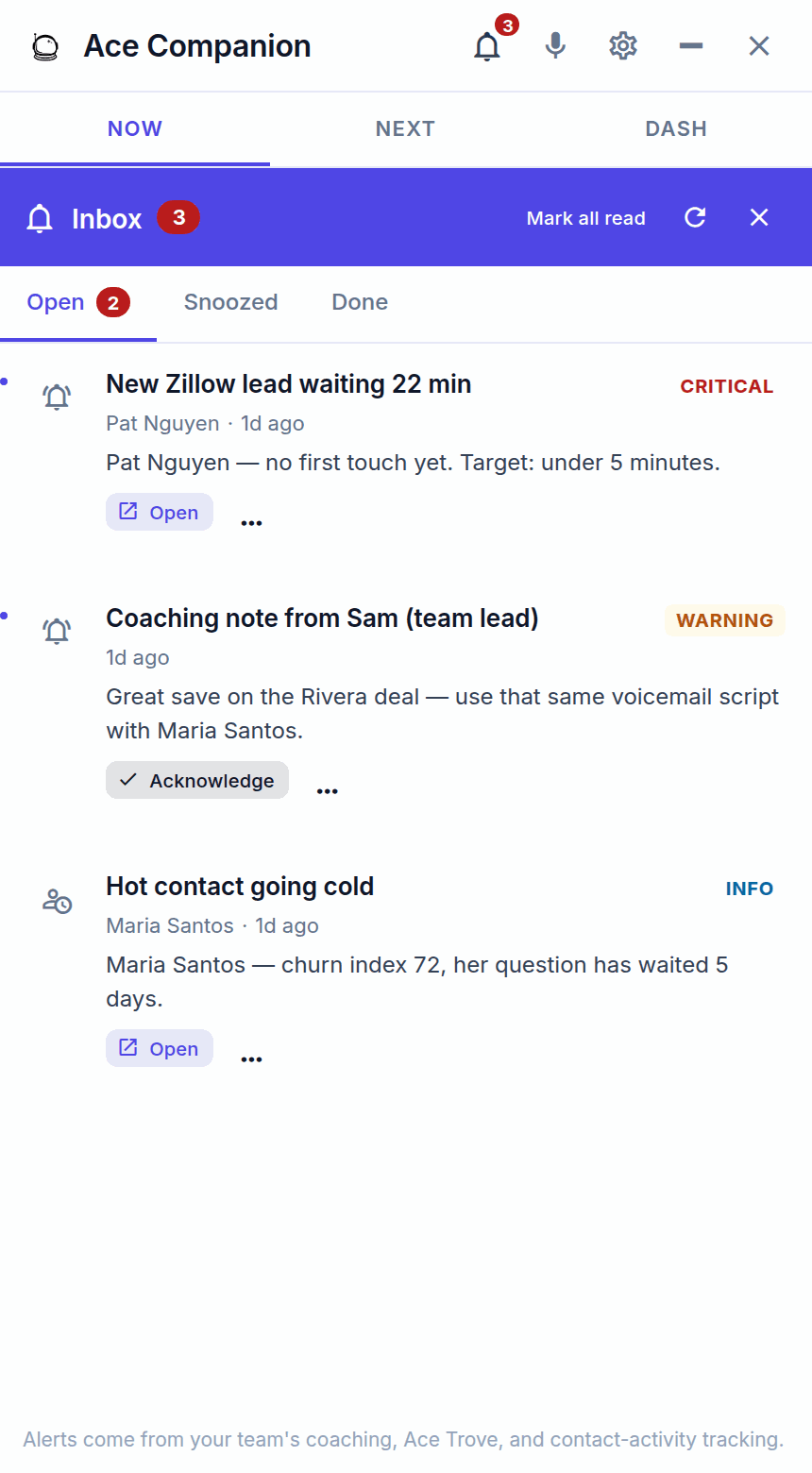
When an admin coaches you on a contact, the note lands in your Companion Inbox and also creates a matching task and note on that contact in Follow Up Boss. Open the Companion, check the Inbox, and act on the linked contact. This is a normal part of Ace — not spam.
I Can’t Upgrade, Cancel, or Change My Billing
If the upgrade, cancel, or manage-billing options are missing or disabled for you, it’s almost always because your seat was purchased by your team’s admin (team-pay). Billing is managed where it was purchased, so team-billed seats are changed by the admin, not the individual agent.
Fix: ask your account admin to make the change from their dashboard. If you personally bought your own seat (self-pay) and still can’t manage it, email support with your account email.
Still Stuck?
Email [email protected] with:
- Your account email address
- The issue you're experiencing (a screenshot helps)
- When it started happening
Support typically responds within 1 business day.
Related articles
- Using the Ace Companion
- Voice Mode: Talking to Ace Hands-Free (Pro)
- Billing & Seat Management: Complete Guide
- Follow Up Ace: Frequently Asked Questions
Last updated: July 2026
Thanks for the feedback — it helps us improve.