The Ace Custom Fields in Follow Up Boss: What Each One Means
Updated July 3, 2026
Ace writes its scores into Follow Up Boss as custom fields, so you can see them on the contact and use them in smart lists and automations. This reference explains what each Ace field means, how to read it, and which plan it needs.
The fields on every plan
These two fields populate for every account, no Trove required:
- Ace Win Score — a 0–100 within-account percentile rank of calibrated win likelihood. A 30 means roughly the 30th percentile in that account, not a 30% close probability. Higher ranks warmer.
- Ace Churn Risk — Low, Medium, or High. It flags contacts who are going quiet and at risk of going cold, so you can re-engage before you lose them.
The fields that need Ace Trove
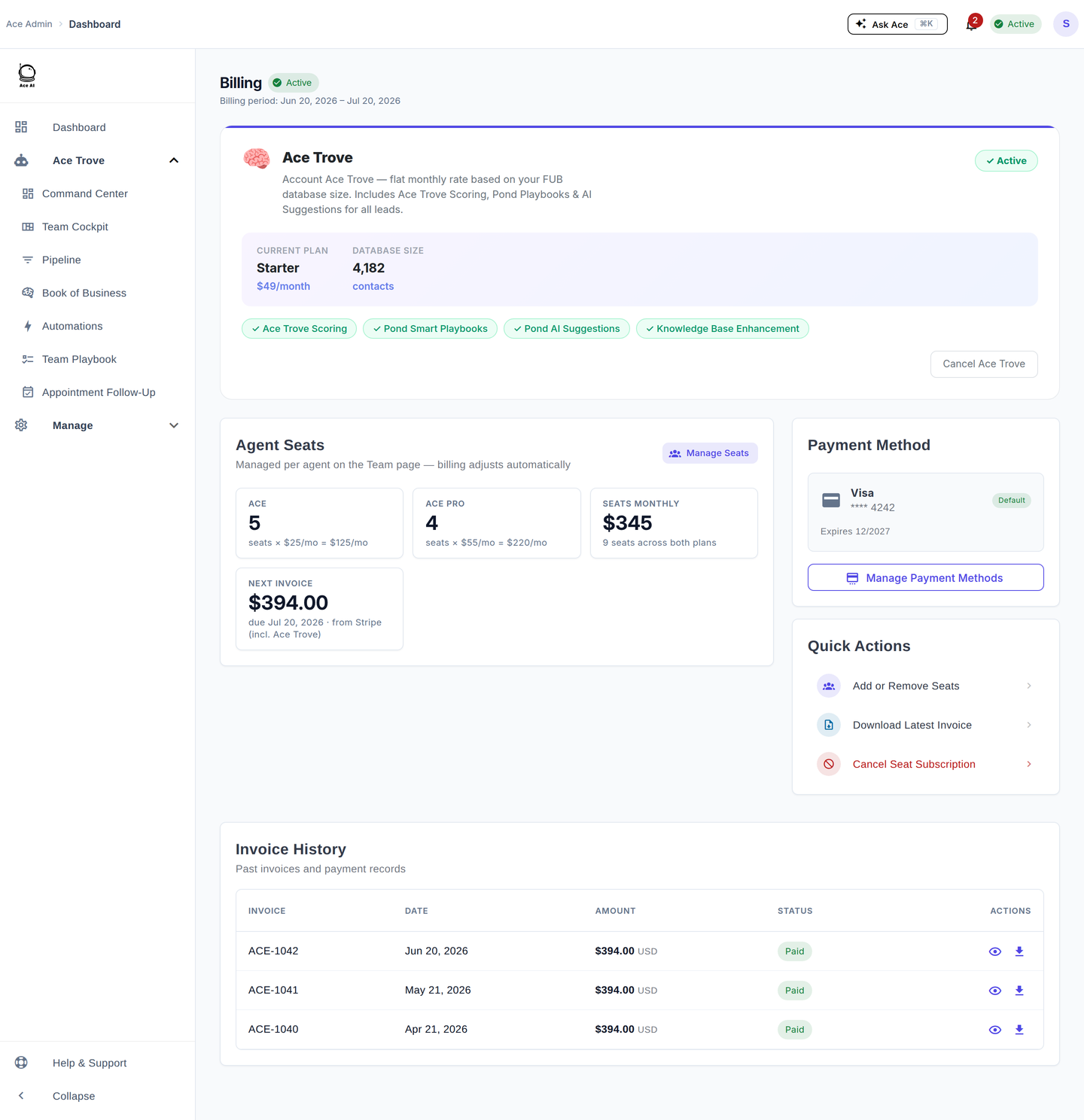
These five activate when your account has Ace Trove:
- Ace Expected GCI (est.) — an estimated commission value for the contact: a calibrated absolute win probability multiplied by your account's own median commission. It is an estimate, always shown with "(est.)".
- Ace Opportunity — a plain label for what this contact is right now: At Risk, Active Buyer, Active Seller, Likely Seller, or Nurture.
- Ace Seller Tier — the relative propensity-to-sell tier for the contact. Only the tier syncs to Follow Up Boss; the full score and its evidence live in Seller Radar inside Ace.
- Ace Buyer Tier — the relative propensity-to-buy tier. It is a rank band, not an absolute probability or guarantee.
- Ace Last Analyzed — the date Ace last scored the contact, so you know how fresh the numbers are.
How do the fields update?
Every connected eligible account is scheduled nightly for Ace Win Score and Ace Churn Risk, whether free or on a paid seat. Trove can schedule additional batched refreshes after meaningful CRM activity. Ace only writes its own fields; a webhook by itself is not proof that a new field value was delivered.
Where did my old Ace fields go?
If you remember fields like Ace Score or Ace Tier, those were part of an older, larger field set that Ace retired in the 2026 consolidation. The seven fields above are the current set. See the 2026 dashboard update for the full story.
Related articles
- Follow Up Boss Custom Field Limits and Your Ace Fields
- What Ace Reads, Writes, and Syncs in Follow Up Boss
- Activating Ace Trove and Your Ace Fields
- What Is Ace Trove? Overview and Pricing
Last updated: July 2026
Thanks for the feedback — it helps us improve.