
Why Isn't Ace Analyzing My Contacts?
Updated July 3, 2026
If Ace scores are missing or have stopped refreshing on your contacts, it is almost always one of a few things. Work through these checks in order — most accounts are fixed by the last one.
Is Ace activated for your account?
Ace's per-contact analysis is part of Ace Trove. If scores never appeared, confirm Trove is active for your account. Your admin can check activation and see setup status on the Ace dashboard. See Activating Ace Trove and Your Ace Fields.
Is Follow Up Boss still connected?
Ace needs a healthy Follow Up Boss connection to read activity and write scores. In the Ace admin dashboard, check that Follow Up Boss shows as connected. If it prompts you to reconnect, follow Connecting Follow Up Boss via OAuth.
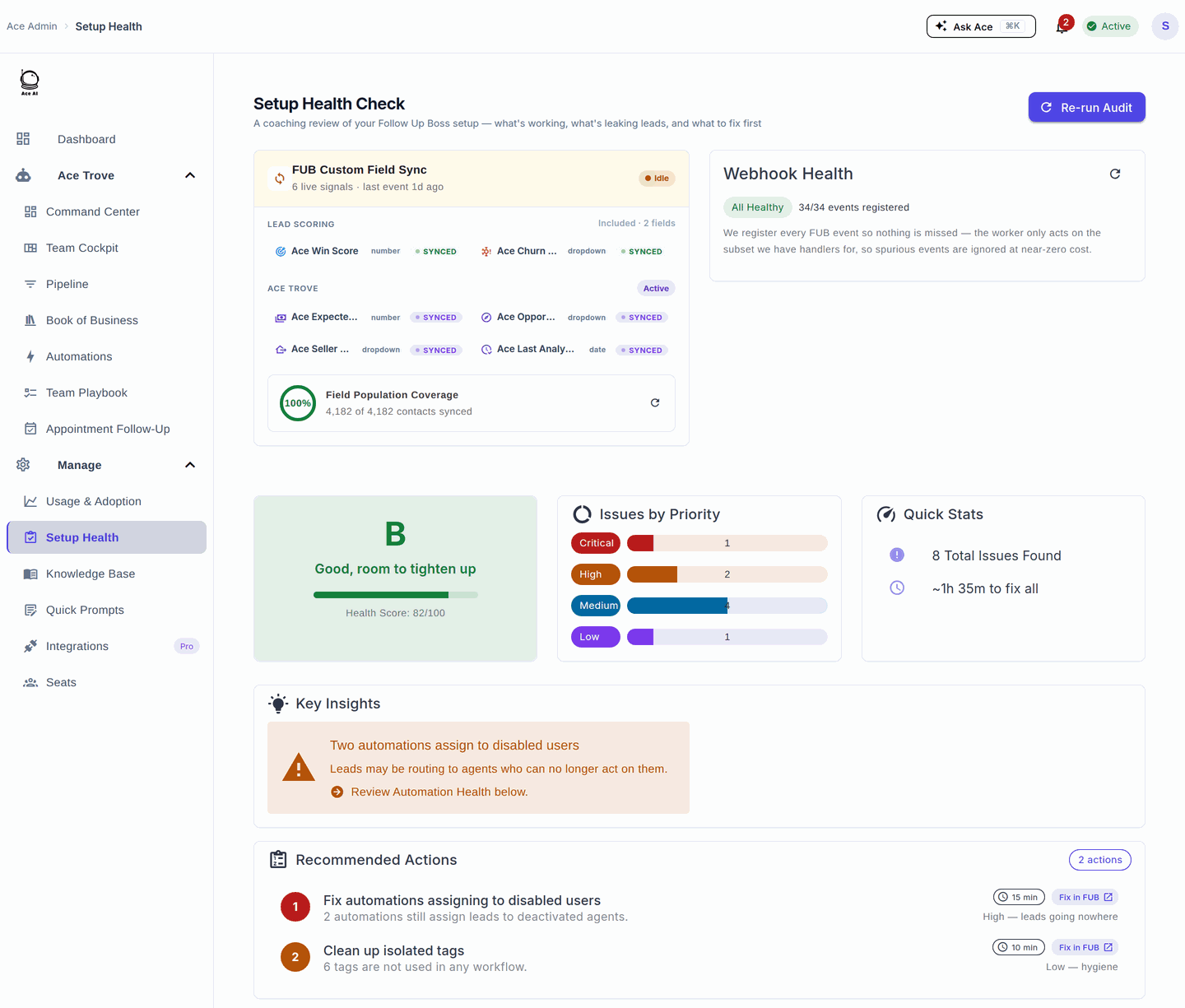
Have Ace's fields been created in Follow Up Boss?
Ace writes its scores into custom fields. If those fields cannot be created, analysis pauses instead of writing partial data. The most common reason is that your Follow Up Boss account is at its custom-field limit, so there is no room for Ace's fields.
Give it a nightly cycle
Ace refreshes on-contact scores on a nightly cycle. A brand-new contact, or one you just fixed access for, may not show a score until the next run. Real-time events keep the underlying signals fresh during the day, but the field values you see on the contact update overnight.
Still stuck?
If you have checked activation, the Follow Up Boss connection, and custom-field room and scores still are not updating, contact support with your account name and an example contact so the team can look at that specific account.
Related articles
- Follow Up Boss Custom Field Limits and Your Ace Fields
- Troubleshooting: Common Issues and Fixes
- Activating Ace Trove and Your Ace Fields
- Connecting Follow Up Boss via OAuth
Last updated: July 2026
Thanks for the feedback — it helps us improve.