The Complete Guide to Voice-Driven Lead Nurture
Voice-driven lead nurture lets real estate agents stay on top of their pipeline during the hours they're away from a desk — in the car between showings, at listings, walking to appointments. AI voice chat connected to your CRM can pull contact context, draft follow-up messages, log notes, and check pipeline health through natural conversation, without touching a keyboard. On Follow Up Ace, voice is available to Pro plan users embedded directly inside Follow Up Boss.
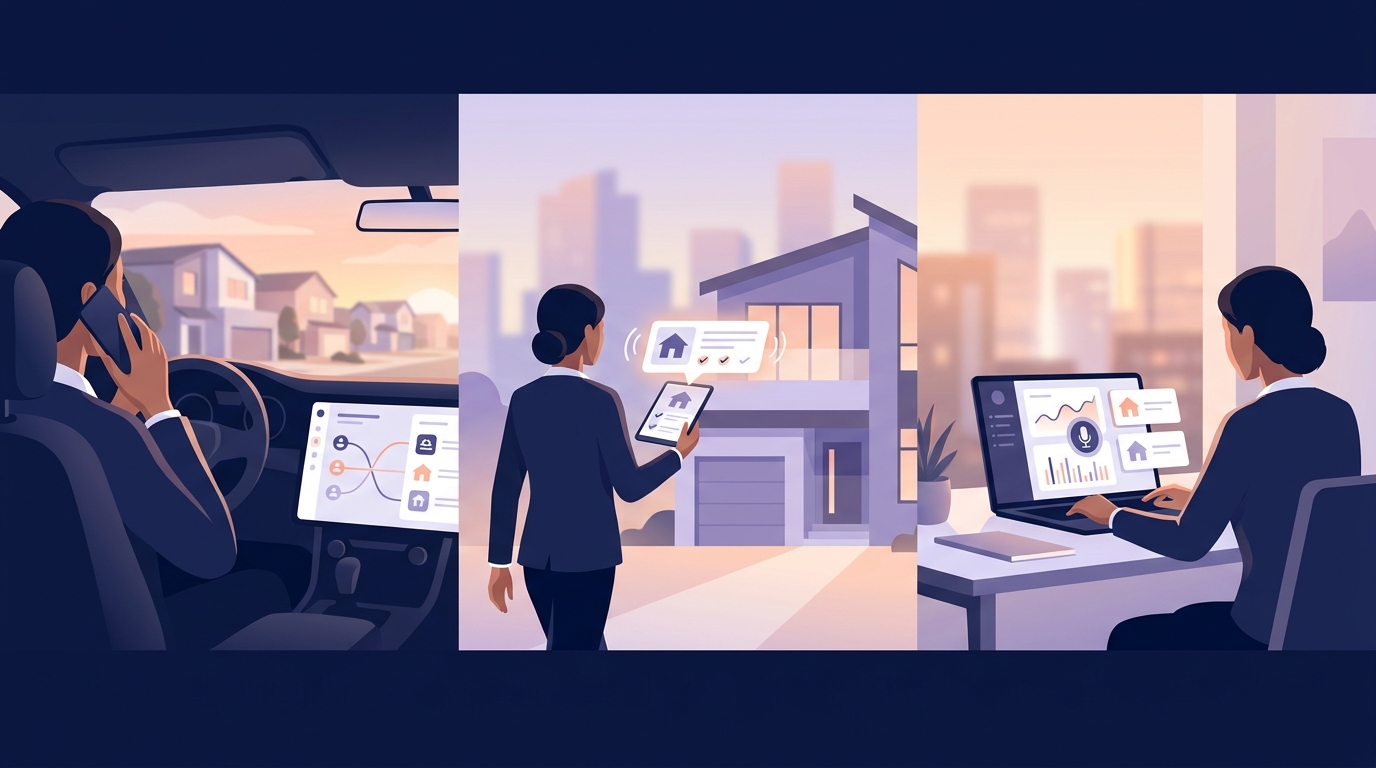
Why voice matters for real estate lead nurture
The average productive real estate agent spends a significant portion of their working day in locations where keyboard interaction is either impossible or impractical — driving between showings, walking through properties, waiting outside a listing. Traditional CRM workflows assume a desk. Voice interfaces break that assumption.
The core problem voice solves is not speed of speech versus typing. It's the context switch. Returning to your desk after three showings to update notes, draft follow-ups, and check pipeline status takes deliberate blocks of focused time that many agents don't have in a day that's already fully committed to client interactions.
Voice lets the administrative work happen in the interstitial moments — the 12-minute drive from one showing to the next is now a CRM update session, not lost time.
What can AI voice do in a Follow Up Boss context?
The technical capability of AI voice chat inside Follow Up Boss depends on what the voice layer is connected to. A voice interface connected only to a transcription service can capture notes. A voice interface connected to your full CRM through an AI layer can do considerably more.
Follow Up Ace's voice chat (available on Pro plan, verified: chat-app/utils/adminSeatPlanChange.js) routes spoken input through the same AI system used by the text chat — the same context, the same CRM access, the same tool set. This means a voice conversation can:
- Pull contact context — "What do I know about Marcus Chen?" returns the contact's history, stage, last interaction, Ace Tier, and notes from Follow Up Boss
- Check pipeline status — "Who are my hottest leads right now?" pulls the Ace Tier = Hot segment from across the account
- Draft a follow-up — "Draft a text to send Emily after today's showing" produces a contextual draft ready for review
- Log a note — speaking a showing debrief immediately after leaving a property and having it written into FUB as a structured note
- Get a speed-to-lead alert — asking "Any new leads I should call right now?" triggers the speed-to-lead window check across recent inbound contacts
Read-only CRM operations are always available through voice. Write operations (sending messages, updating fields) are queued for confirmation in text chat — an intentional design choice to prevent accidental changes from mishearing.
How voice AI works technically in the embedded assistant
Understanding the technical architecture helps set realistic expectations about what voice can and can't do in mobile or car environments.
Follow Up Ace's voice system uses WebRTC for real-time audio transmission and Voice Activity Detection (VAD) using ONNX models to detect when the user is speaking versus when the conversation is silent. This matters for car use: VAD needs to distinguish the agent's voice from road noise, music, and passenger conversation.
The voice flow works as follows:
- Agent speaks — VAD detects and captures the utterance
- Speech is transcribed to text using ElevenLabs Conversational AI
- The transcription is sent to the AI backend, which processes it using the same system context and tool access as text chat
- The AI response is converted back to speech via ElevenLabs TTS (Flash v2.5)
- The agent hears the spoken response through their device
End-to-end latency from speaking to receiving an audio response varies by network conditions. On a solid mobile data connection, expect roughly 1.5–4 seconds from question to spoken answer on standard pipeline queries. Queries requiring live FUB API calls take slightly longer.
Mobile browser permissions are required — microphone access and (on iOS) staying on the page without backgrounding the app. These constraints are real, and agents should test their specific setup before relying on voice in a critical workflow.
Car scenarios: what works and what doesn't
Not every voice use case is well-suited to in-car operation. Here's an honest assessment:
Works well in the car
- Pipeline briefings — "Give me a quick rundown of my top five active leads" — spoken summary, no eyes required
- Showing debriefs — immediately after leaving a property, narrate your impressions and the client's reactions while they're fresh; the AI transcribes and structures the note
- Prep before an appointment — "What do I know about the Garcias before I arrive?" — the AI pulls their full FUB history and reads it back
- Quick follow-up triggers — "Remind me to send Marcus a market update this afternoon" — logs a task in FUB while driving
Less ideal in the car
- Reviewing and sending draft messages — the AI can draft, but reviewing and sending requires eyes on the screen; save this for the next stop
- Editing or correcting notes — if the transcription misheard something important, correction requires visual verification
- Complex pipeline analysis with tables — detailed reports are better consumed visually; ask for a summary instead
At the listing: the showing debrief workflow
The showing debrief is one of the highest-value voice workflows for agents. Here is the specific step-by-step:
- Leave the property. While still in front of the listing or walking to the car, open the Ace voice interface in Follow Up Boss mobile.
- State the contact name and showing details. "I just finished showing 4217 Maple Street with the Hendersons. Here's my debrief..." Then narrate: client reactions, what they liked and didn't, motivation signals, next steps they mentioned.
- Let the AI structure the note. Ace transcribes the debrief and formats it as a structured FUB note with key points extracted.
- Review at the next stop. When parked, quickly verify the note is accurate and approve it for saving to FUB.
- Ask for a next-step draft. "Based on that showing, draft a text to send the Hendersons tonight." The AI uses the note context to write a personalized follow-up.
This workflow turns a 20-minute note-writing session back at the desk into a 3-minute voice debrief at the car door while details are still fresh. The quality of the note also improves — immediate capture versus end-of-day reconstruction from memory.
Before appointments: the AI briefing workflow
A second high-value in-car scenario is the pre-appointment briefing. Five minutes before arriving at a client meeting:
- Open Ace voice interface.
- Ask: "Give me a briefing on [Client Name] — their history, what we talked about last time, where they are in the process, and anything I should follow up on from our last conversation."
- Ace pulls the contact's full FUB history — notes, stage, last call, emails, Ace Score, Ace Tier — and speaks back a concise summary.
- You arrive at the meeting with full context, without spending 10 minutes reviewing the CRM manually.
This matters most for agents managing large pipelines where individual contact details blur together. An AI briefing before each appointment eliminates the awkward moment of not remembering what was said in the last conversation.
Voice for lead nurture between active periods
The "complete guide" framing of this article is intentional: voice isn't just for showings and car time. Here are the lead nurture scenarios that benefit from voice throughout the day:
| Scenario | Voice workflow | CRM output |
|---|---|---|
| Between showings (10 min) | Pipeline briefing request | Spoken list of today's priority contacts |
| After a call with a lead | Voice note debrief immediately after hanging up | Structured FUB note + next step task |
| Morning commute | Daily pipeline overview request | Spoken summary of hot leads and urgent tasks |
| Walking to listing appointment | Contact briefing request | Spoken summary of seller's history and goals |
| Evening wind-down (hands busy) | Ask AI to log a follow-up task for tomorrow | Task logged in FUB for tomorrow's call list |
Plan and access requirements
Voice chat in Follow Up Ace requires a Pro plan ($55/seat/month, verified: chat-app/utils/adminSeatPlanChange.js). Free and Ace plan users can use the text-based AI features, including the Ace Win Score and Churn Risk fields; the 189-tool Claude / ChatGPT connector needs an Ace Pro seat.
If voice is central to your workflow, Pro is the tier to evaluate. If you primarily work from a desk and want to start with the CRM intelligence layer, the free plan or Ace plan ($25/seat) is a reasonable starting point. See current pricing for the full breakdown.
Setting up voice: what you need
- Pro plan subscription — voice is gated at the Pro tier.
- Follow Up Boss account — Ace runs embedded inside FUB; voice works within that embedded interface.
- Microphone permission — grant microphone access in your mobile browser when prompted. On iOS Safari, microphone permissions reset if the page backgrounds; keep the tab active during voice sessions.
- Stable network connection — WebRTC requires a reliable connection. On a congested mobile network, expect higher latency and occasional audio quality issues. Wi-Fi is preferable when available.
- Headset or car Bluetooth — for in-car use, a connected Bluetooth device reduces background noise pickup and improves VAD accuracy.
What voice doesn't replace
Voice is a powerful addition to a real estate workflow, not a replacement for structured CRM management. A few things voice doesn't change:
- Smart list segmentation, action plan setup, and lead routing still happen in the FUB interface
- Complex report review is still better done with eyes on a screen
- Message approval before sending requires visual review — Ace drafts, you approve
- Voice sessions don't persist between sessions without note logging; always close out a voice session with a note capture or task creation
Used for what it's good at — in-field capture, briefings, and pipeline check-ins — voice makes agents materially more productive during the hours they're away from a desk. That's the complete picture.
Explore the agentic AI overview to understand the full tool set available through voice and text, or see how the Ace Trove populates Ace Score and Ace Tier automatically so your pipeline briefings have real data behind them.
Try Follow Up Ace in your Follow Up Boss
Free to start, no sales call. Connect Follow Up Boss in one click and Ace works inside your CRM.
Get Started Free